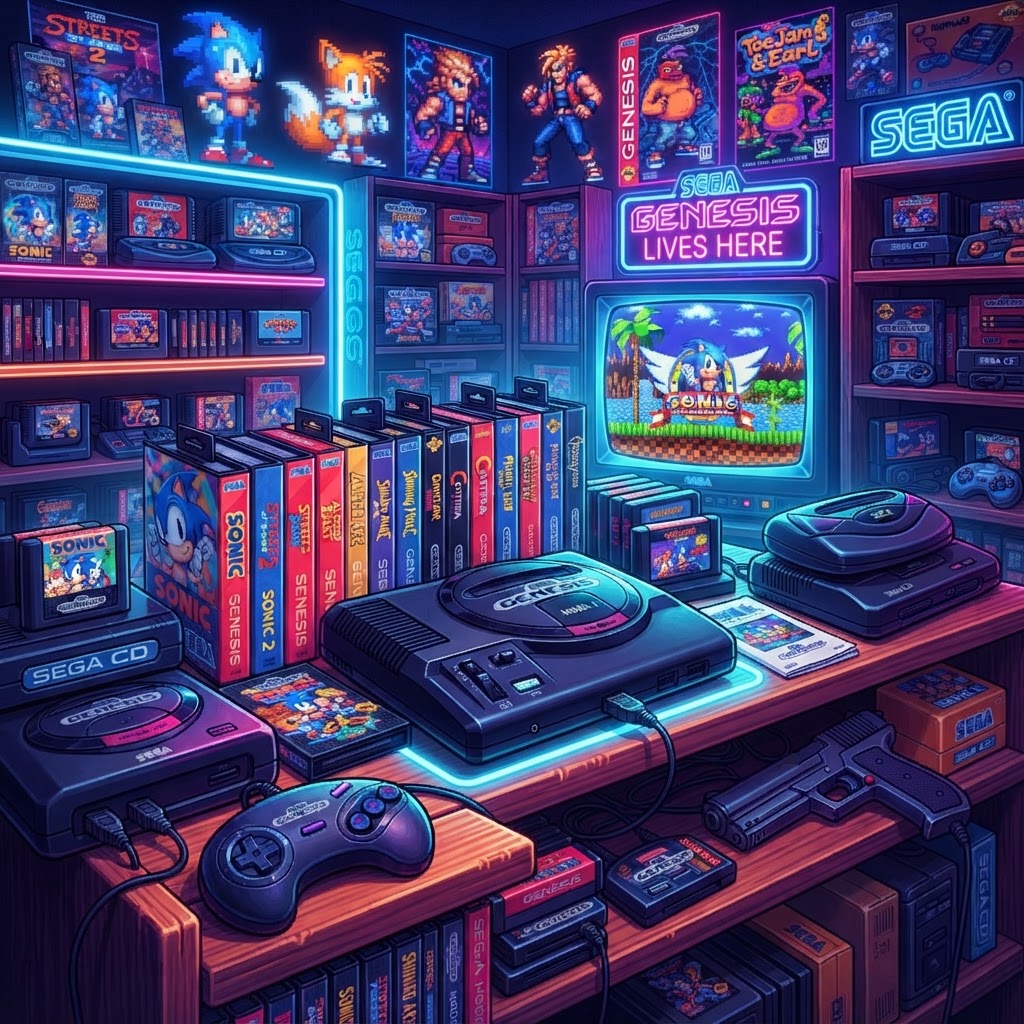
Why Sega Genesis Collecting Is Booming (and Why It's Also Frustrating)
The Sega Genesis remains one of the most beloved 16-bit consoles ever made. Released in North America in 1989, it sold over 30 million units worldwide and delivered iconic titles like Sonic the Hedgehog, Streets of Rage 2, and Phantasy Star IV. Today, collectors are chasing complete libraries, hunting rare regional variants, and building dedicated gaming setups — and the market is hotter than ever.
But here's what the glossy YouTube collection tours don't show you: the headaches. Cartridges with peeling labels, controllers that drift or break, blurry picture quality on modern TVs, consoles that overheat after long sessions, and storage solutions that simply don't scale. This guide is built around solving those problems, so your collection is not just impressive to look at but actually functional and enjoyable to play.
Problem #1: Your Cartridges Look Terrible
Peeling, Faded, and Missing Labels
Cartridge condition is everything in collecting. A complete, label-perfect copy of Gunstar Heroes can fetch three to four times the price of a label-damaged one. Over 30+ years, labels crack, peel, or get written on by previous owners.
The good news: replacement labels are affordable and widely available. Picking up a set of Game Cartridge Labels & Stickers lets you restore beaten-up carts to near-mint appearance. High-quality reproductions are printed on durable vinyl and sized specifically for Genesis cartridges. Just clean the shell first with isopropyl alcohol, let it dry fully, and apply slowly to avoid air bubbles.
Cartridges Not Saving Properly
Many Genesis RPGs and strategy games use internal batteries to save progress. If your Shining Force or Phantasy Star III cart isn't saving, the CR2032 battery inside has likely died. Replacing it is a simple soldering job — tutorials are everywhere — and the fix costs under $2 per cart.
Problem #2: Blurry or Washed-Out Picture on Modern TVs
This is arguably the #1 frustration for Genesis collectors today. The Genesis was designed for CRT televisions, and connecting it to a 4K HDTV via composite (the yellow cable) produces a soft, blurry image that does the console's sharp pixel art zero justice.
The S-Video Solution
The Sega Genesis Model 1 and Model 2 both support S-Video output, which delivers a noticeably cleaner signal than composite — sharper edges, more accurate colors, and far less color bleed. To use it on a modern TV, you'll need an S-Video to HDMI Adapter. These adapters digitize the S-Video signal and upscale it cleanly to 1080p, making them one of the best budget upgrades a Genesis collector can make.
Pro tip: Model 1 Genesis units (look for the "High Definition Graphics" text on the label) generally produce the best S-Video output. Model 3 units do not support S-Video at all.
Want to Record or Stream Your Collection?
If you're documenting your gameplay for YouTube or Twitch, a Professional Capture Card for Retro Consoles is essential. Pair it with the S-Video adapter above for clean, broadcast-quality footage that actually does the Genesis's visuals justice. Look for a capture card that handles 240p signals correctly — many consumer-grade cards struggle with retro console resolutions.
Problem #3: Controllers That Break or Feel Wrong
Original Controllers Failing
Genesis 3-button and 6-button controllers are notorious for worn-out d-pads and sticky buttons after decades of use. If you're playing on original hardware and don't want to risk further wear on collectible controllers, a Sega Genesis Style USB Controller is an excellent modern alternative. These plug into your PC or use a USB adapter on original hardware, replicating the classic Genesis layout with modern internal components that won't fail after another 30 years.
Keeping Multiple Controllers Organized
If you're running a multi-player setup — NHL 94, Mortal Kombat, and Streets of Rage 2 are all better with friends — controller management becomes a real issue. A Dual Controller Charging Dock keeps your modern wireless Genesis-style controllers charged and neatly stored, preventing the "dead controller mid-game" problem that ruins sessions.
Problem #4: Your Console Overheats During Long Sessions
The Sega Genesis, particularly the Model 1, was not designed with extended modern gaming sessions in mind. Heavy use — especially with the 32X add-on attached — generates significant heat. Symptoms include audio glitches, graphical artifacts, and in worst cases, hard lockups.
Positioning your console in an open, ventilated space helps, but for dedicated setups, adding a Retro Console Cooling Fan near your Genesis actively moves air around the unit and dramatically reduces thermal stress. This is especially important if your console is enclosed in a media cabinet or entertainment center.
Problem #5: Your Collection Has Outgrown Its Storage
Carts Everywhere Is a Real Problem
Once a Genesis collection hits 50+ games, loose cartridges become genuinely difficult to manage. They scratch each other, labels get damaged, and finding a specific title means digging through a pile. A dedicated Retro Game Cartridge Storage Case designed for Genesis carts keeps your library organized, protected, and displayable. Many cases hold 20-50+ cartridges with individual slots, keeping label faces visible so you can find games at a glance.
Cataloging Your Collection
Beyond physical storage, use a free app like CLZ Games or a spreadsheet to catalog what you own, what you paid, and current market values. Cross-reference with PriceCharting.com to track whether your collection is appreciating. Rare titles to watch: Outback Joey, Blockbuster World Video Game Championship II, and Pulseman (North American release) routinely sell for $200–$1,000+ depending on condition.
Building the Ultimate Genesis Gaming Setup
Once your hardware problems are solved, it's worth thinking about the experience itself. A proper retro gaming setup is about immersion — and that means comfort too. A dedicated Retro Gaming Recliner Chair designed for extended sessions makes marathon Shining Force playthroughs dramatically more comfortable, with ergonomic support that a couch simply can't match.
Pair that with a properly connected console, clean picture via S-Video, and a full complement of working controllers, and you've built something genuinely special.
Conclusion: A Working Collection Is Better Than a Perfect One
The best Sega Genesis collection isn't the one with the highest total value — it's the one you can actually sit down and enjoy. Fixing label damage, solving picture quality issues, keeping your console cool, and organizing your carts transforms a dusty pile of nostalgia into a living, playable archive of gaming history.
Start with the quick wins: grab a Retro Game Cartridge Storage Case to protect what you already own, and pick up an S-Video to HDMI Adapter to see your games like never before. From there, build outward — because 16-bit gaming deserves to be experienced at its best.



