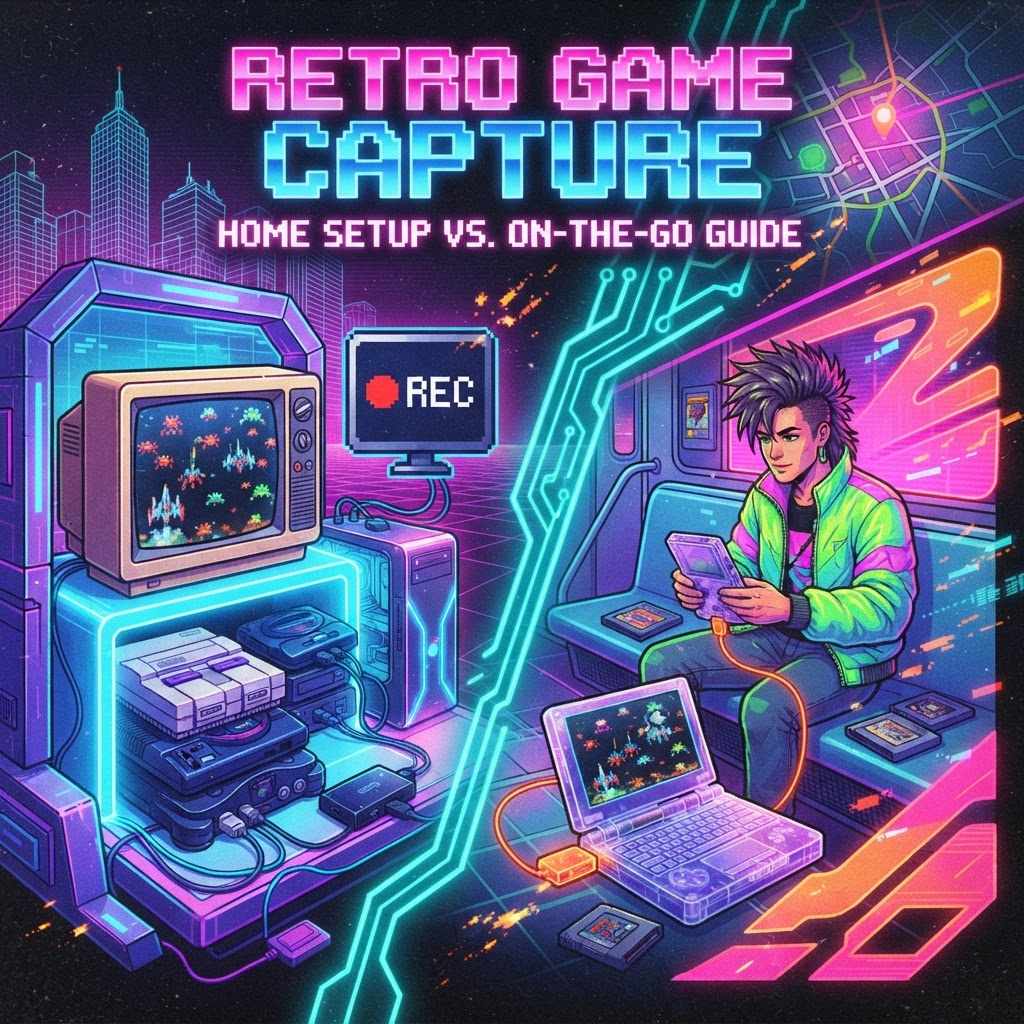
Why Capture Cards Matter for Retro Gamers (And Why Most Guides Get It Wrong)
Most capture card roundups assume you're sitting at a desk with a tower PC, dual monitors, and a fiber connection. But the retro gaming community is different. You might be capturing footage from a SNES at a friend's place, recording Game Boy Advance content at a convention, or livestreaming from a vintage console in a vacation rental.
The portability question changes everything — the capture card you choose, the cables you'll need, the software you'll run, and even the accessories that make the whole setup work. This guide addresses both worlds honestly.
Understanding Your Setup Before You Buy
Stationary Home Setup: What You're Working With
If you have a permanent retro gaming station — shelves lined with cartridges, CRTs or upscalers, multiple consoles — you can invest in a full-featured internal or desktop capture card. You've got power outlets, a dedicated PC, and no weight limits.
In this environment, you'll want a card that handles multiple inputs (composite, component, HDMI from an upscaler like the RetroTINK), supports high bitrates for archival quality, and integrates cleanly with OBS or Elgato 4K software. Latency is less of an issue here since you're monitoring through the PC, not playing through the capture feed.
A well-organized home setup also benefits from smart furniture choices. A Gaming Console Shelf Riser keeps your active consoles at ergonomic height while freeing desk real estate for your laptop or streaming rig — a small detail that makes long capture sessions dramatically more comfortable.
Portable/On-the-Go Setup: The Real Challenge
This is where most buying guides fall flat. If you're recording retro gameplay at events, on the road, or at a friend's setup, you need a capture card that is:
- Bus-powered (no external power brick required)
- Compact and light (fits in a backpack)
- Compatible with laptops (including lower-end machines)
- Driver-friendly (installs fast, works without IT support)
The Best Capture Card Categories for Retro Gameplay
Best for Portable Use: USB Capture Sticks and Compact Dongles
For on-the-go retro recording, USB capture sticks are the clear winner. Devices like the Elgato HD60 X, AVerMedia Live Gamer Portable 2 Plus, and Magewell USB Capture HDMI Gen 2 are small enough to drop in a jacket pocket and powerful enough to capture 1080p60 or even 4K30 footage.
Key specs to look for in a portable capture card:
- USB 3.0 or USB-C connectivity
- Passthrough output so you can still play on a TV
- Hardware encoding (reduces strain on your laptop CPU)
- Composite/component input OR HDMI from an upscaler
One underrated tip: many older retro consoles output composite or component video, not HDMI. For portable use, carry a mini upscaler (like the Kaico HDMI adapter for SNES/N64) alongside your USB capture stick. It adds only a few ounces to your bag and makes every console capture-ready instantly.
Best for Home Setup: PCIe and Desktop USB Capture Cards
At home, you can go bigger. Cards like the AVerMedia Live Gamer 4K (PCIe) or the Elgato 4K60 Pro MK.2 deliver true 4K HDR capture, which matters when you're running your retro console through a high-end upscaler and want archival-quality footage.
For a home setup running through a high-quality audio system, pairing your capture rig with a Premium Surround Sound Gaming Soundbar lets you monitor audio accurately while recording — you'll immediately hear if your levels are clipping or if the capture software is introducing audio delay.
Retro-Specific Capture Challenges You Need to Solve
The Analog Signal Problem
Most retro consoles — NES, SNES, Sega Genesis, PlayStation 1 — output analog video. Modern capture cards expect HDMI. You have two solutions:
- Analog capture cards (like the AVerMedia C039 or Hauppauge HD PVR Rocket) accept composite/S-Video/component directly.
- Upscalers + HDMI capture card — generally better image quality, more flexible.
For portable setups, a compact upscaler + USB HDMI capture card is the most versatile combination you can carry.
Power Supply Stability Matters More Than You Think
Nothing kills a recording session faster than a console that resets mid-game due to a failing power supply. If you're capturing footage from aging hardware, invest in a Retro Console Power Supply Replacement before your session. An original NES or SNES power brick from 1990 is a fire hazard and a recording liability.
Recommended Workflow: Portable Retro Capture Setup Under $200
Here's a complete portable workflow that fits in a small backpack:
| Component | What to Get | |---|---| | Capture Card | AVerMedia Live Gamer Portable 2 Plus | | Upscaler | Kaico or EON HDMI adapter (console-specific) | | Cables | Short HDMI + USB-C adapter set | | Software | OBS Studio (free) | | Recording | Laptop, 16GB+ RAM preferred |
Total weight: under 1.5 lbs of gear. Total cost: $130–$180 depending on deals.
Bonus: Accessories That Elevate Your Retro Recording Setup
For Home Streamers
If you're building a permanent streaming station around retro content, consider the Evercade VS Retro Console as a capture-friendly modern retro platform. It outputs clean HDMI natively — no upscaler required — and gives you a legally licensed library of retro titles perfect for YouTube content creation.
For serious audio capture from vintage hardware, a High-End Retro Gaming Amplifier/Speaker System lets you accurately monitor the raw audio signal from your console before it hits the capture card — invaluable for identifying hum, hiss, or signal degradation.
For Content Creators Who Like to Stay Organized
Keeping a Retro Gaming Journal & Notebook next to your capture station is genuinely useful. Log your capture settings, cable configurations per console, and timestamps of great moments to clip later. It sounds old-school, but analog notes don't crash when OBS does.
Final Verdict: Match Your Capture Card to Your Lifestyle
The best capture card for retro gameplay isn't one-size-fits-all. If you game at home, invest in a desktop-class card with analog input support and pair it with quality audio monitoring gear. If you game on the go, prioritize bus-powered, bus-powered USB capture sticks that pair with a compact upscaler.
The retro gaming community deserves better documentation of its history — every cartridge played, every speedrun attempted, every co-op session with a friend deserves to be recorded well. Start with the right capture card, and build your setup from there.
Ready to start organizing your capture sessions and taking notes on your best retro gaming moments? Grab a Retro Gaming Journal & Notebook and start logging today.



