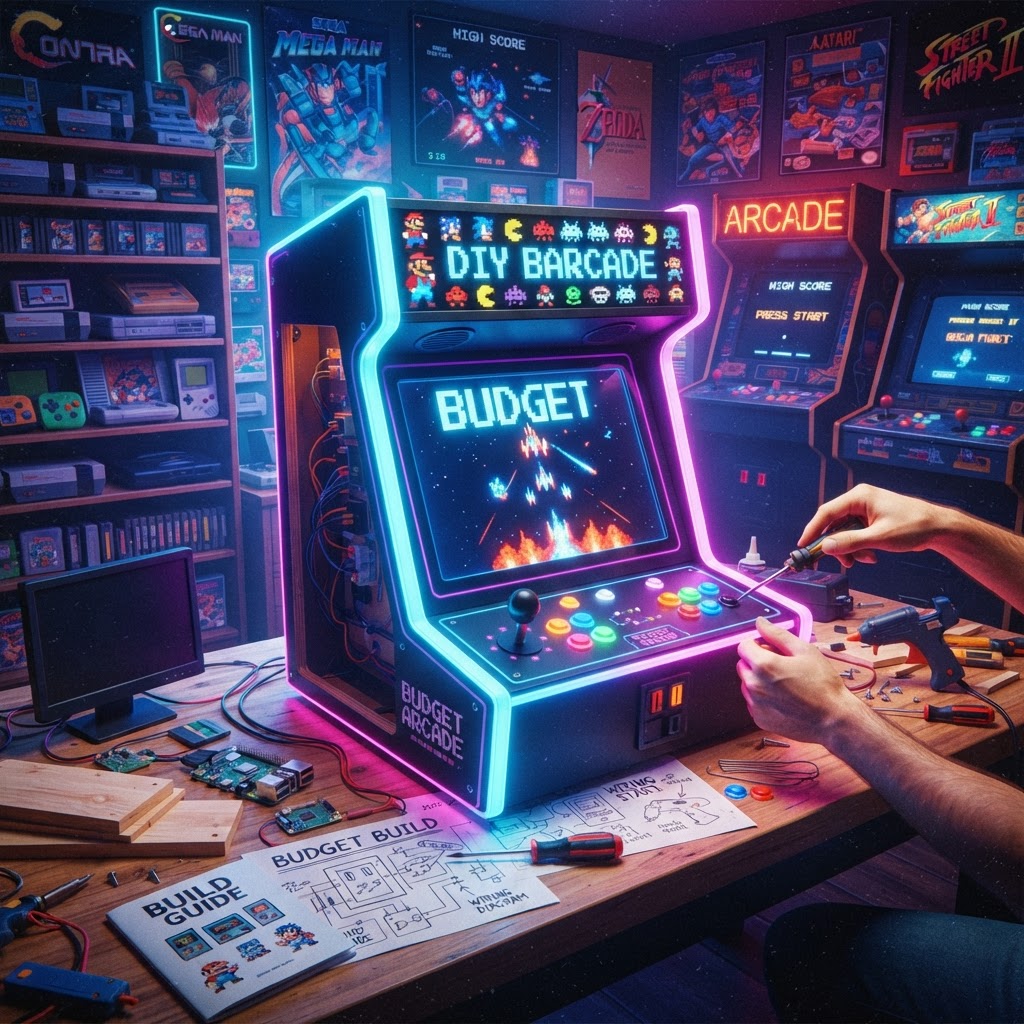
Why a Bartop Arcade Cabinet Is the Best Budget Arcade Build
Full-size upright cabinets are stunning. They're also enormous, heavy, and expensive. A bartop arcade cabinet — designed to sit on a desk, workbench, or bar counter — uses roughly half the materials, fits in apartments, and can be built for as little as $150 if you're smart about it.
But here's the problem: most guides tell you one way to do it. Buy a kit. Use a Raspberry Pi. Grab an old PC. What they don't tell you is that each approach has real trade-offs that can kill your project halfway through. This guide compares every major method head-to-head, so you go in with eyes open.
The Four Main Build Paths: A Direct Comparison
Option 1: DIY from Scratch (MDF + Raspberry Pi)
Estimated Cost: $150–$300
This is the classic maker route. You cut your own cabinet panels from MDF (medium-density fiberboard), wire up arcade buttons and a joystick to a zero-delay USB encoder, and run RetroPie or Batocera on a Raspberry Pi.
Pros:
- Total customization — any size, any art, any layout
- Cheapest possible route if you already own a saw and drill
- Huge community support; thousands of free cabinet plans exist online
- Runs thousands of games via emulation
Cons:
- Requires intermediate woodworking skills
- Time-intensive (expect 20–40 hours total)
- Pi 4 struggles with some PS1/N64 emulation
- Display quality matters — a cheap monitor kills the retro feel
Pro tip on display quality: If you're going Pi-based, your video output will only be as good as your scaling solution. Consider pairing your build with an Open Source Scan Converter (OSSC) to clean up the image between retro sources and modern monitors — especially important if you're blending real console hardware into the cabinet later.
Option 2: Pre-Cut Flat-Pack Cabinet Kit
Estimated Cost: $200–$450
Several vendors sell laser-cut MDF kits that ship flat and assemble like furniture. You still source your own electronics, but the woodworking is done.
Pros:
- No saw required — just a screwdriver and glue
- Clean, professional panel edges
- Plans are optimized — no guesswork on angles
- Great for first-timers
Cons:
- Less customizable than scratch builds
- Shipping costs on heavy MDF can be brutal
- Still need to source monitor, controls, and computing hardware separately
- Mid-range cost — not the cheapest, not the most premium
Verdict: Best choice for someone with a budget of $350–$500 who wants clean results without power tools.
Option 3: Repurposed Old PC Cabinet
Estimated Cost: $80–$200 (if you already own a spare PC)
Got a dusty Windows XP or Windows 7 machine in a closet? Strip it down, drop it into a bartop shell (scratch-built or kit), and run LaunchBox/BigBox or MAME directly on Windows. This path is massively underrated.
Pros:
- Old PCs handle MAME, PS1, and even Dreamcast emulation beautifully
- LaunchBox offers a polished front-end with artwork and video snaps
- No microcontroller tinkering — just a normal computer
- Easier to troubleshoot for non-technical builders
Cons:
- Heavier power draw than a Pi (higher electricity cost long-term)
- May need a Retro Console Power Supply Replacement if the old PSU is unreliable — failing capacitors are common in hardware over 15 years old
- Windows updates can break your build if not managed carefully
- Larger form factor may not fit slim bartop designs
Pro tip: Disable Windows Update entirely and set the machine to boot straight into your front-end. These cabinets should feel like appliances, not computers.
Option 4: All-in-One Plug-and-Play Bartop Kit
Estimated Cost: $300–$600
Companies like Pandora's Box, Mame Multicade, and various Amazon sellers offer complete bartop units — monitor, controls, and a game board pre-loaded with hundreds (sometimes thousands) of titles.
Pros:
- Zero assembly required beyond basic setup
- Plug in and play within 30 minutes
- No software configuration
- Great gift option
Cons:
- Game libraries are often padded with repeats and poor-quality titles
- Limited or no ability to add new games
- Build quality is frequently mediocre (thin plastic, wobbly joysticks)
- You're paying for convenience, not quality
Verdict: Only recommended if you have zero interest in the build process and just want something functional quickly. Enthusiasts will outgrow these fast.
Head-to-Head Summary Table
| Method | Cost | Skill Required | Customization | Game Library | |---|---|---|---|---| | DIY Scratch + Pi | $150–$300 | Medium-High | Full | Huge | | Flat-Pack Kit | $200–$450 | Low-Medium | High | Huge | | Repurposed PC | $80–$200 | Medium | High | Huge | | All-in-One Kit | $300–$600 | None | None | Limited |
Essential Upgrades That Elevate Any Build
Regardless of which path you choose, a few smart upgrades make a massive difference:
Controls: Don't Cheap Out Here
The joystick and buttons are everything in an arcade cabinet. Sanwa JLF joysticks and Seimitsu buttons are the gold standard. Budget $40–$80 for quality controls — it's the one area where spending more pays off immediately.
Lighting and Ambiance
A cabinet with LED-lit buttons and a backlit marquee feels authentic in a way that plain builds don't. If you want to extend that arcade energy to your whole gaming space, an RGB Retro Gaming Desk Setup Bundle can tie the room together around your new cabinet beautifully.
Wiring and Soldering
For scratch builds, clean wiring is essential. A quality Retro Console Repair Soldering Kit gives you the tools to make solid connections at the USB encoder and any custom button wiring — a bad solder joint on a coin button is the kind of thing that haunts builds for months.
Which Build Path Should You Choose?
- Tight budget + some woodworking skills? → DIY Scratch + Pi
- Want clean results without a saw? → Flat-Pack Kit
- Have an old PC gathering dust? → Repurposed PC build
- Want zero hassle, gift for someone? → All-in-One Kit
The honest truth: the Raspberry Pi scratch build delivers the best long-term value and satisfaction. The flat-pack kit delivers the best balance of quality and ease. And the repurposed PC build is secretly the most powerful option that almost nobody talks about.
Start Your Build Today
There's never been a better time to build a bartop arcade cabinet. Components are cheap, communities are massive, and the satisfaction of dropping a quarter (metaphorically) into a machine you built yourself is unmatched.
Start by picking your build path above, then grab a Retro Console Repair Soldering Kit to handle your wiring — clean connections are what separate a cabinet that lasts a decade from one that dies in six months. Game on.



