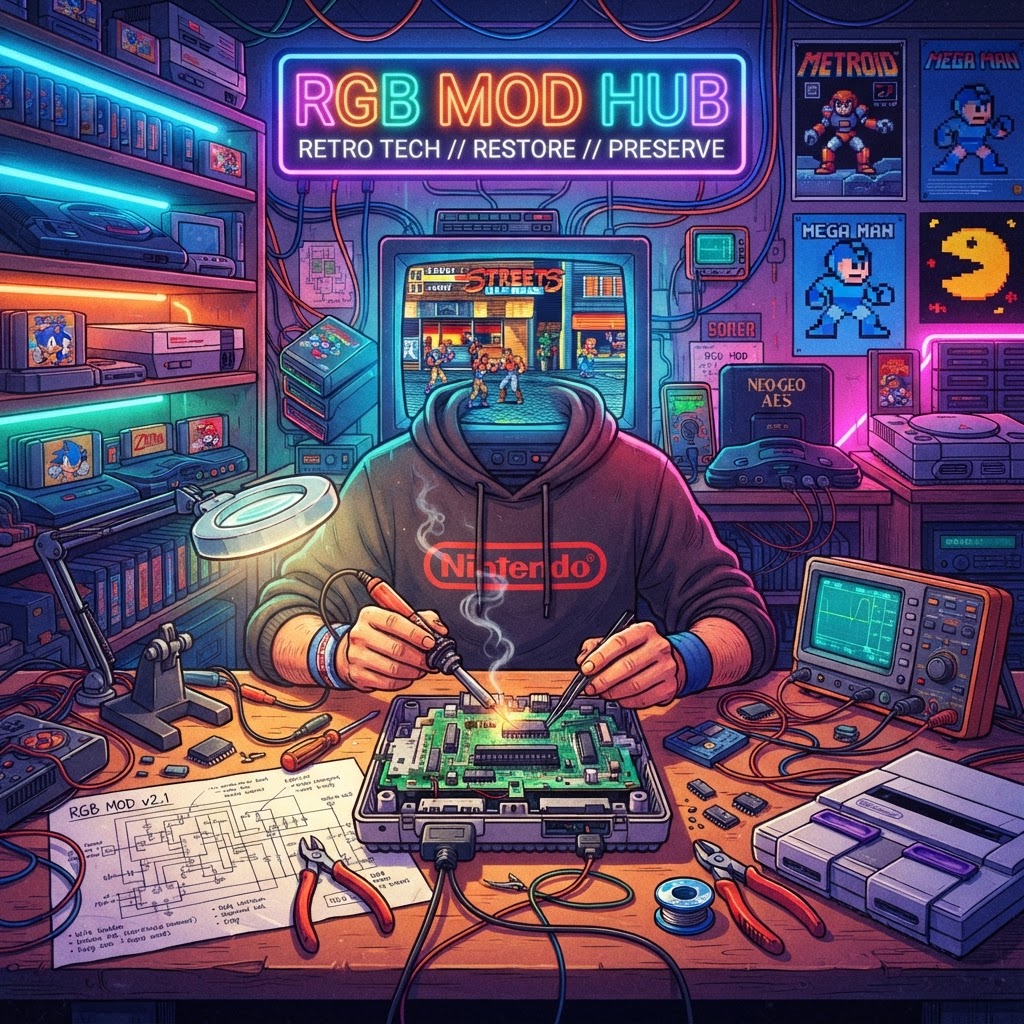
Why RGB Modding Is the Smartest Thing You Can Do for Your Retro Collection
Every retro gamer eventually faces the same heartbreak: you plug your beloved Super Nintendo or Sega Genesis into a modern TV and the image looks like it was smeared through a jar of petroleum jelly. The instinct is to replace the console, buy a clone system, or give up entirely. But there's a far better path — one that honors the original hardware, reduces electronic waste, and delivers picture quality that will genuinely astonish you.
RGB modding is the practice of tapping into or restoring a console's native RGB video output, then routing that signal through proper cabling (typically SCART, Component, or HDMI via an upscaler) to your display. Most classic consoles — the SNES, Genesis, PS1, Saturn, N64, and even the original NES — were designed with RGB circuitry on board. The manufacturers simply didn't always expose it through the consumer connector. You're not hacking your console; you're unlocking what was always there.
This guide walks you through the process console by console, covers the tools and mods you'll need, and explains how to pair your restored hardware with the right display for the absolute best retro gaming experience.
Understanding the RGB Signal Chain
Before you pick up a soldering iron, understand the signal chain that takes video from your console's GPU to your eyes:
- Source — the console, outputting raw RGB (or component) video
- Cable — SCART, Component, or a direct HDMI mod board
- Upscaler / line doubler — devices like the RetroTINK 5X or OSSC convert analog RGB to a clean digital signal
- Display — a modern monitor or TV, or ideally a period-correct CRT
Each link in that chain matters. A great mod ruined by a cheap cable is still a bad picture.
Console-by-Console RGB Mod Overview
Super Nintendo (SNES)
The SNES is one of the most rewarding consoles to RGB mod because it natively outputs a gorgeous RGB signal through its Multi-Out connector. In most cases, all you need is a proper SCART or Component cable — no soldering required. However, later SNES models (revision 1-CHIP boards) have a slightly different output that benefits from a small RGB bypass mod to eliminate "jail bar" interference. This mod costs under $20 in parts and takes about an hour. The result is arguably the cleanest 2D image of the 16-bit era.
Sega Genesis / Mega Drive
The Genesis outputs RGB natively on its Model 1, but the audio circuit introduces a notorious buzz on SCART. A simple resistor mod or a dedicated RGB cable with filtering built in solves this. The Model 2 requires a slightly different approach. This is a console absolutely worth preserving — Genesis hardware is increasingly expensive to replace, and a well-modded unit will outlast any clone board.
Nintendo 64
The N64 is the most challenging and most rewarding RGB project on this list. It does not output RGB by default — it outputs composite and S-Video. Achieving RGB requires installing an UltraHDMI or Tim Worthington RGB mod board, which taps directly into the console's RCP chip. These mods are more expensive ($80–$150 in parts) and require confident soldering skills, but the payoff is extraordinary: clean, sharp 240p/480i output that makes N64 games look as the developers intended.
PlayStation 1
The PS1 outputs RGB natively via its Multi-AV port. A quality SCART cable is all you need. The real value here is in restoring aging PS1 hardware — replacing capacitors, cleaning the laser, and reseating the GPU heatsink — rather than buying a replacement. A recapped PS1 outputting RGB through a RetroTINK upscaler to a good monitor is a revelation.
Sega Saturn
Like the Genesis, the Saturn outputs RGB natively. A SCART or Component cable unlocks it immediately. The Saturn's 2D capabilities in particular shine with a clean RGB signal — playing Radiant Silvergun or Guardian Heroes in proper RGB is a genuinely emotional experience.
Essential Tools and Gear for RGB Modding
You don't need a professional electronics lab, but a few quality tools make the difference between a clean mod and a damaged board:
- Temperature-controlled soldering station — a $40–$60 Hakko or equivalent is sufficient
- Flux and quality solder — 63/37 leaded solder flows best for through-hole and fine SMD work
- Multimeter — essential for verifying continuity and voltages post-mod
- Magnification — a loupe or USB microscope saves eyestrain on fine pitch work
Choosing the Right Display for Your RGB-Modded Console
This is where the magic becomes visible. You have two main options:
Option 1: A Quality CRT
Period-correct CRTs accept RGB SCART directly (in PAL regions) or Component input and display 240p natively without any processing lag. If you can find a Sony Trinitron or PVM monitor, you're already in the endgame. These are the most sustainable displays possible — keeping a quality CRT out of a landfill while giving it a purpose it was literally designed for.
Option 2: A Modern CRT-Style Monitor with Upscaler
If a CRT isn't practical, a Premium CRT-Style Gaming Monitor paired with a RetroTINK 5X or OSSC upscaler is the best modern alternative. These monitors are tuned for low input lag and often include scanline filters that convincingly replicate the CRT aesthetic. It's the sustainable middle path: new display technology in service of old hardware preservation.
Pairing Modded Hardware with Modern Controllers
Once your console is outputting a clean RGB signal, you may want a backup controller option that doesn't risk damaging your original pads. A Classic SNES-Style USB Controller is an excellent complement — it respects the ergonomic legacy of the original design and works across emulation setups if you ever want to cross-reference how a game looks on original hardware versus software emulation.
When Hardware Is Beyond Repair: Sustainable Alternatives
Sometimes a board is genuinely too far gone — corrosion from battery leakage, cracked traces, or missing chips. In those cases, rather than buying a brand-new clone that will end up in a drawer, consider two options that honor the preservation ethos:
The Analogue 3D FPGA Console uses field-programmable gate array technology to replicate original hardware at the circuit level, not through software emulation. It's the most accurate non-original hardware available and supports original cartridges, keeping your physical media collection relevant.
For a broader multi-system approach, the PolyMega Modular Retro Console plays original discs and cartridges across multiple systems using one unit — reducing the number of aging boards you need to maintain while still respecting the original software library.
Conclusion: Mod It, Don't Mothball It
RGB modding is one of the most meaningful things a retro gamer can do — for their collection, for their experience, and for the planet. Every console you restore and keep playing is one less piece of electronic waste, one more piece of gaming history preserved in playable condition.
Start with the easiest win — a SNES SCART cable and a Premium CRT-Style Gaming Monitor — and you'll immediately understand why the retro modding community is so passionate about this work. The pixels were always this beautiful. We just needed to set them free.



