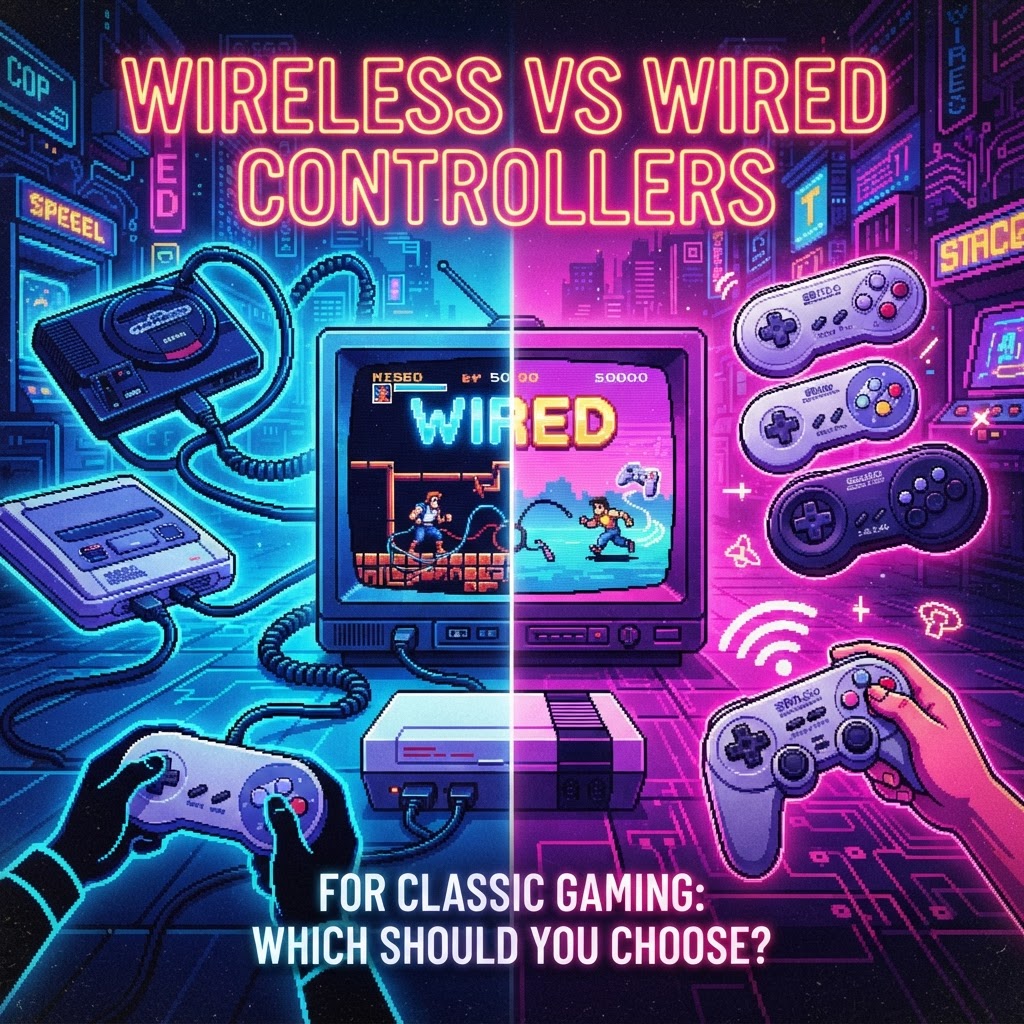
The Great Controller Debate: Why It Still Matters
There's something deeply nostalgic about picking up a controller and feeling the weight of gaming history in your hands. But when it comes to classic gaming setups in the modern era, the choice between wireless and wired controllers isn't just about convenience — it's about input accuracy, authenticity, latency, comfort, and long-term value.
Retro gaming has exploded in popularity. Platforms like the SNES Classic, MiSTer FPGA, RetroPie, and original hardware setups are seeing a massive resurgence. With that comes a flood of controller options, both wireless and wired, from manufacturers ranging from budget third-party brands to premium originals. Knowing which style suits your setup can save you money, frustration, and potentially dozens of rage-quits.
Let's break down every meaningful difference.
Wired Controllers: The Gold Standard for Input Accuracy
Why Wired Still Wins for Competitive and Authentic Play
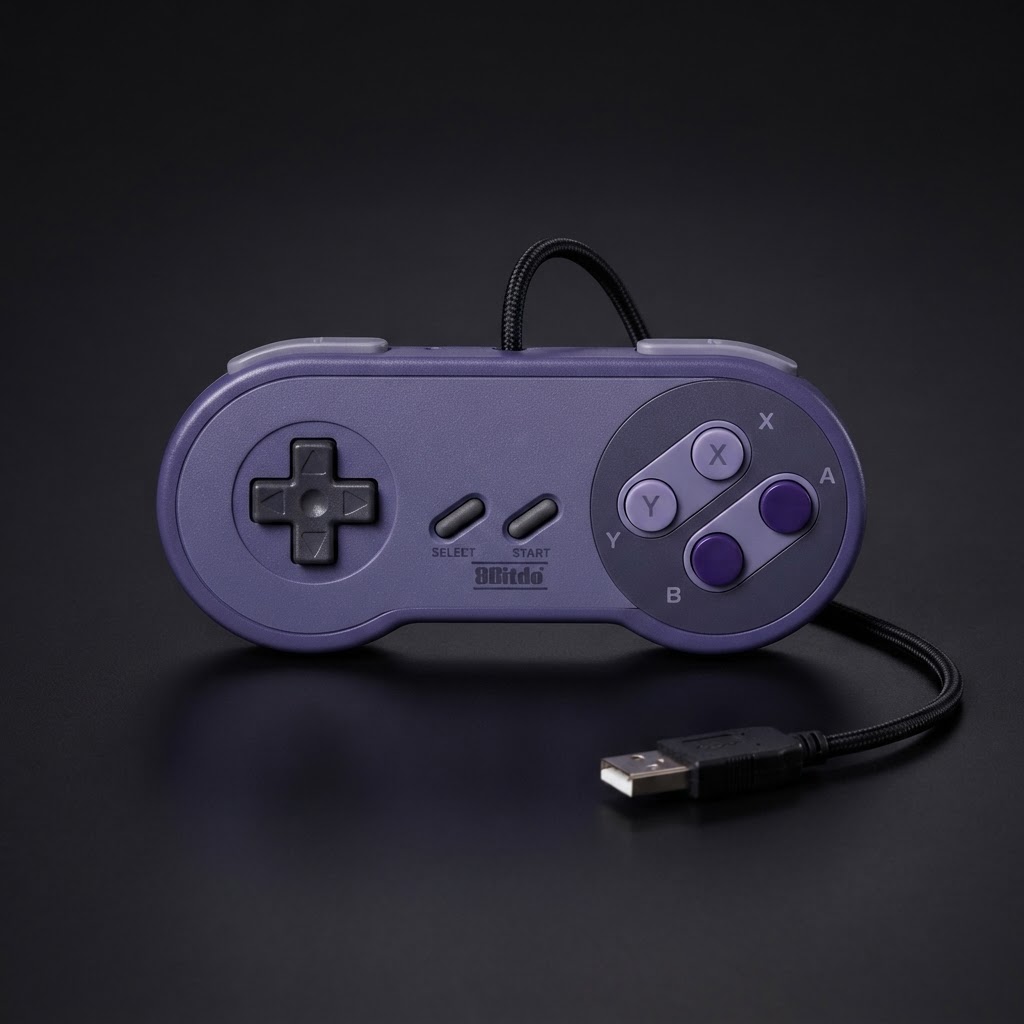
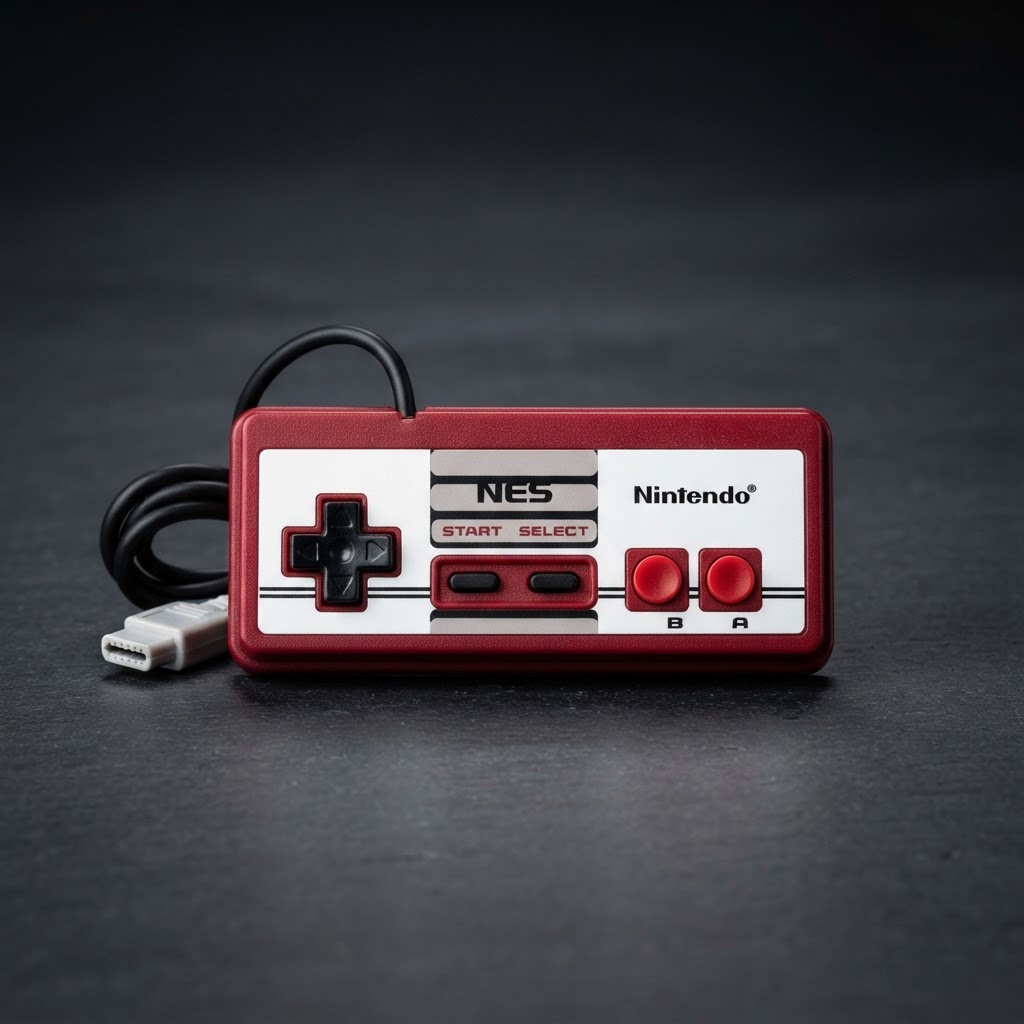
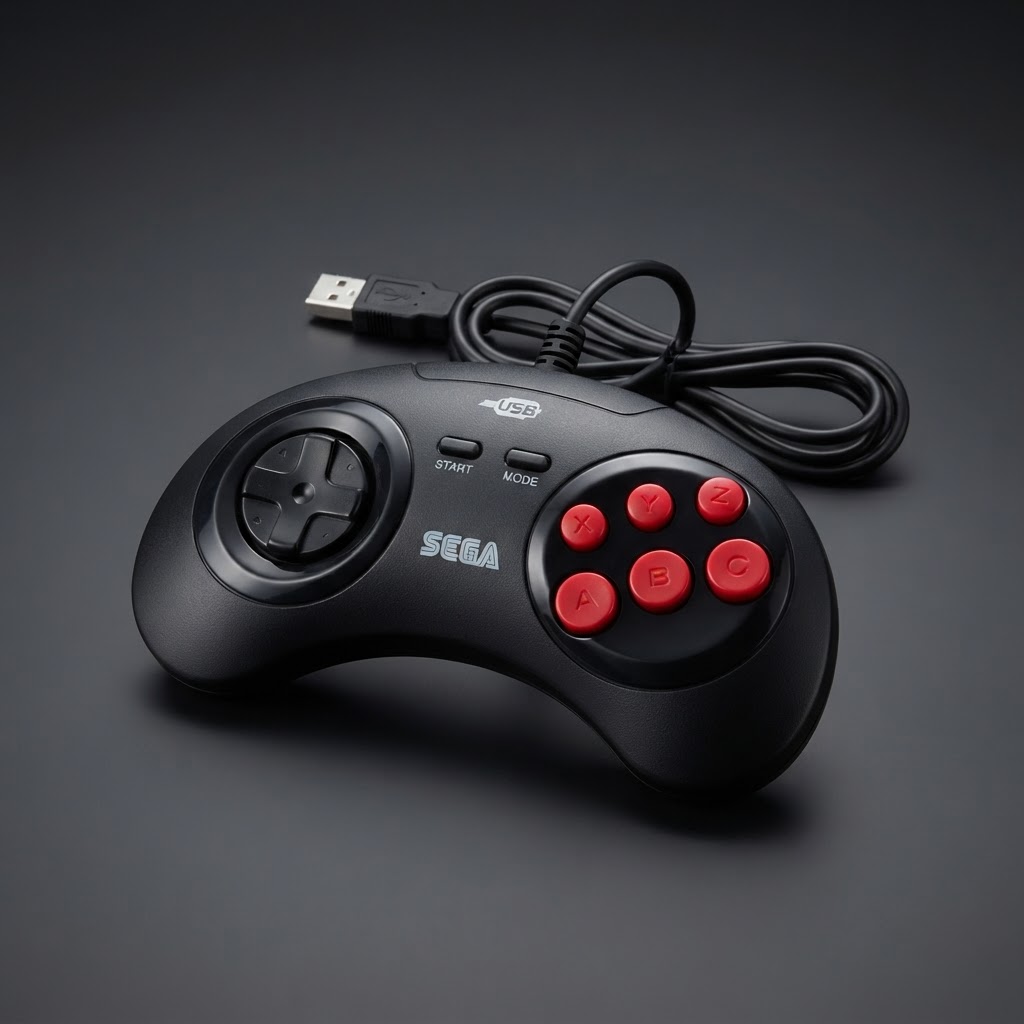
When retro gaming purists talk about authenticity, they almost always favor wired controllers — and for good reason. Original controllers from the NES, SNES, Sega Genesis, and PlayStation 1 era were all wired, meaning the experience developers intended was built around zero-latency, direct electrical signal transmission.
Input lag is the biggest technical argument for wired controllers. A wired signal transmits instantaneously — there's no encoding, no wireless protocol, no receiver dongle adding microseconds between button press and on-screen response. For precision platformers like Super Mario Bros., Mega Man, or Contra, even 15–30ms of additional input lag can mean the difference between a pixel-perfect jump and a frustrating death.
Reliability is another key advantage. Wired controllers don't rely on batteries, don't experience signal interference from Wi-Fi routers, Bluetooth devices, or other wireless peripherals, and don't suddenly disconnect mid-boss fight because of a low battery warning.
The Downsides of Going Wired
Of course, wired isn't perfect. Cable clutter is the number one complaint — especially in modern living rooms where clean aesthetics matter. If you're running a full retro setup with multiple consoles, controllers, and screens, the cable chaos can get real fast.
A Gaming Desk Cable Management Kit is an absolute lifesaver here. Routing controller cables through a proper cable management system keeps your gaming space clean and prevents the wear-and-tear that comes from cables being pinched, bent, or tangled repeatedly. Pair that with a Cable Organizer Box to store spare controllers and adapters when not in use — your setup will thank you.
Other wired drawbacks include limited range (typically 6–10 feet) and the potential for cable damage over time, especially near the connector ends.
Wireless Controllers: Modern Comfort Meets Retro Fun
The Case for Going Cable-Free
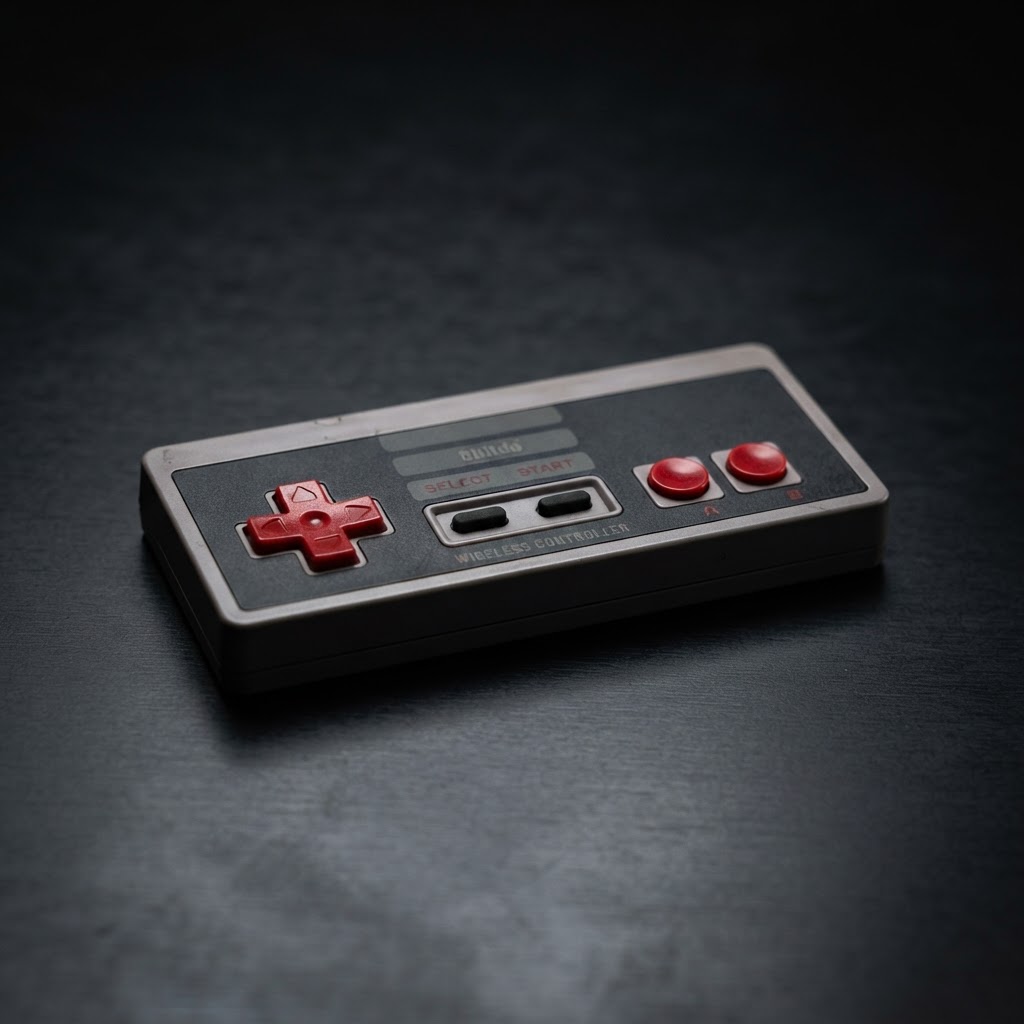
Wireless controllers have come a long way since the infrared remotes of the early 90s — which, let's be honest, were terrible. Today's Bluetooth and 2.4GHz wireless controllers offer impressive responsiveness that's more than adequate for most retro gaming scenarios.
Modern wireless retro controllers — like the 8BitDo SN30 Pro, the Retro-Bit offerings, or the official SNES-style pads — use 2.4GHz radio frequency technology, which dramatically reduces wireless latency compared to Bluetooth. Many of these controllers clock in at latency figures between 8–16ms, which for casual to mid-level retro gaming is virtually imperceptible.
Freedom of movement is the biggest practical win. Sitting 10 feet from your TV while playing Donkey Kong Country feels completely natural with a wireless controller. No cable tug, no positional restrictions, no accidental yanks that could knock over your precious original hardware.
Wireless controllers also shine for multiplayer setups. When four players are gathered around a living room, eliminating cable clutter makes the experience dramatically more pleasant and social.
Wireless Weaknesses You Can't Ignore
Battery dependency is the Achilles' heel of wireless controllers. Rechargeable options help, but you'll eventually face the dreaded "low battery" warning during an intense session. Keeping a backup set of batteries or a charging dock is non-negotiable.
Bluetooth latency remains a real concern. While 2.4GHz dongles are reliable, standard Bluetooth connections (common on smartphones and some FPGA devices) can introduce noticeable lag, particularly in emulation setups where the emulator itself may add additional frame latency. For rhythm games, fighting games, or precision platformers, this stacks up quickly.
Wireless controllers also have more internal complexity, which can mean more points of failure over time. If you're the type who loves to repair and maintain your gear — which, honestly, is a badge of honor in the retro gaming community — check out a Replacement Controller Buttons Kit for keeping your controllers in peak condition regardless of type.
Comparing Wired vs Wireless: Key Factors at a Glance
| Factor | Wired | Wireless | |---|---|---| | Input Latency | Near-zero | 8–30ms depending on protocol | | Reliability | Excellent | Good (2.4GHz) to Fair (Bluetooth) | | Mobility | Limited (6–10 ft) | High (30+ ft) | | Battery Required | No | Yes | | Authenticity | Highest | Moderate | | Cable Management Needed | Yes | Minimal | | Best For | Competitive, purist play | Casual, social, modern setups |
What Type of Retro Gamer Are You?
The Purist and Precision Player
If you play on original hardware, care deeply about authenticity, or tackle precision-heavy games like Mega Man, Castlevania, or Street Fighter II, wired is your best bet. The latency advantage is real, the connection is rock-solid, and nothing beats the feel of an original or high-quality reproduction wired controller.
Invest in cable management to keep things tidy. A well-organized setup is a joy to play in — and it protects your gear. While you're at it, keep your screens and hardware looking great with a Retro Console Screen Cleaning Cloth to maintain that crystal-clear display quality.
The Modern Retro Gamer
If you primarily play on emulation hardware like the MiSTer, RetroPie, Analogue Pocket, or even a powerhouse like the ASUS ROG Ally Handheld Gaming PC, wireless controllers offer a fantastic balance of modern comfort and retro soul. The ROG Ally in particular is a phenomenal machine for running retro emulation libraries at full speed with modern wireless controller support built right in.
The Social Gamer
For couch co-op nights with friends, wireless wins without question. No one wants to trip over four controller cables. Set the mood for your gaming sessions with some LED Strip Lights for Gaming Room and transform your retro setup into an immersive game room experience your guests will never forget.
Final Verdict: There's No One-Size-Fits-All Answer
The honest truth? The best retro gaming setup often uses both. Keep a wired controller on hand for those serious, precision-demanding sessions, and reach for wireless when comfort and convenience are the priority.
What matters most is that you're playing, enjoying, and preserving the magic of classic gaming. Whether cables are involved or not, the goal is the same: fun.
If you want to document your retro gaming journey — tracking games completed, controllers tested, setups built — a Retro Gaming Journal & Notebook is a surprisingly satisfying way to capture it all. Old-school gaming deserves old-school record keeping.
Now stop reading and start playing. 🎮