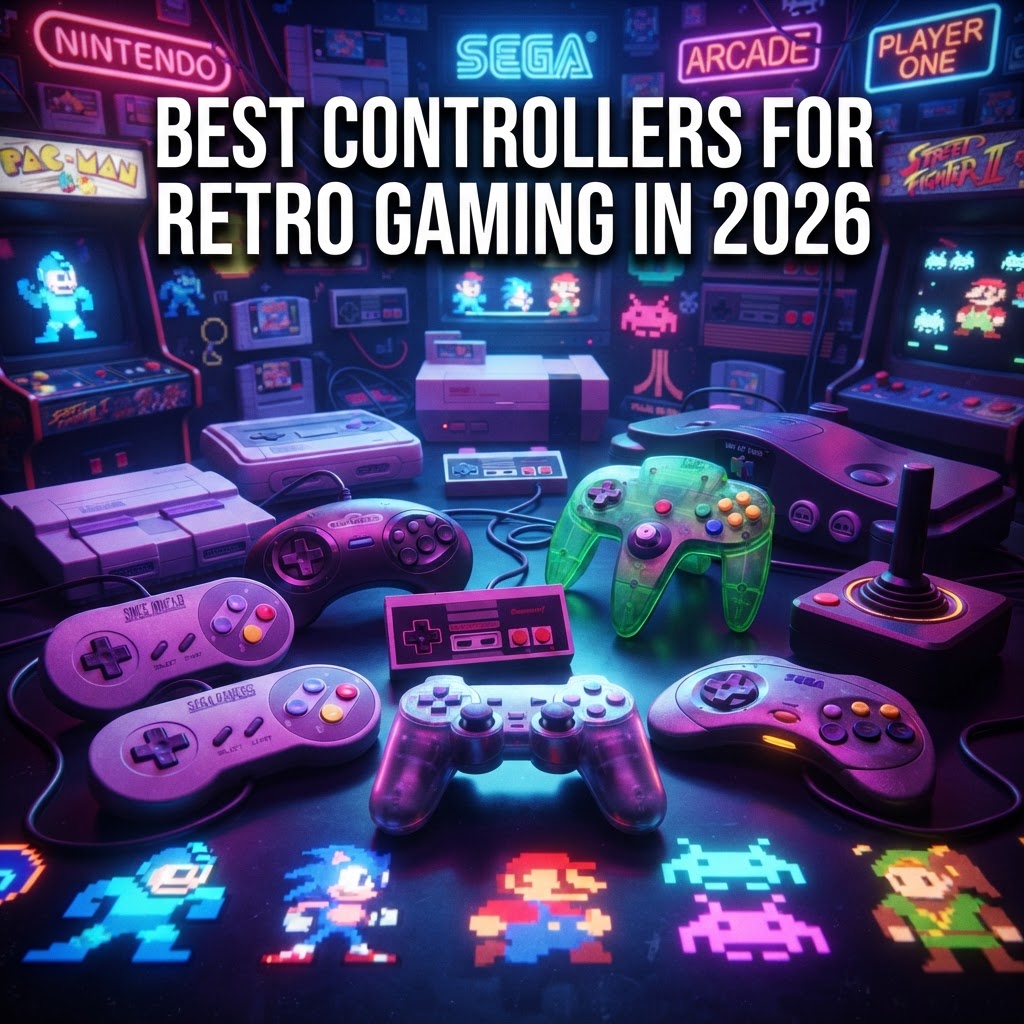
Why Your Controller Choice Matters More Than You Think
There's a quiet truth that every serious retro gaming collector eventually discovers: the screen you play on, the console you track down, even the cartridge you hunt through dusty flea markets to find — none of it matters quite as much as what's in your hands. The controller is your tactile connection to decades of gaming history. It's the bridge between you and the pixelated worlds you fell in love with as a kid, or are falling in love with for the first time. Get it wrong, and even a perfect copy of Super Metroid or Sonic the Hedgehog 2 feels hollow. Get it right, and muscle memory kicks in like you never stopped playing.
In 2026, retro gaming has never been more vibrant — or more complicated. The market is flooded with reproduction controllers, wireless adapters, USB clones, and premium boutique options that can run well over $100. Meanwhile, original hardware is aging, original controllers are developing stick drift and cracked D-pads, and the question of "what should I actually play with?" has become genuinely difficult to answer. Whether you're building a MiSTer FPGA setup, running RetroPie on a Raspberry Pi 5, playing on original NES, SNES, Sega Genesis, or N64 hardware, or collecting Nintendo Classic Mini units, the controller landscape in 2026 demands a proper guide.
That's exactly what this is. We've dug into the ergonomics, build quality, compatibility, latency, and value proposition of today's best retro controller options — so you don't have to wade through a hundred Amazon listings and Reddit threads to figure it out yourself. Let's get into it.
What to Look For in a Retro Gaming Controller
Before we get to specific picks, it's worth establishing what separates a great retro controller from a mediocre one. The criteria are somewhat different from modern controller shopping, because the priorities of retro gaming are different.
- D-pad quality: This is non-negotiable. The vast majority of classic games — platformers, RPGs, beat-em-ups, shoot-em-ups — are D-pad-driven. A mushy, inaccurate D-pad will ruin your experience with Mega Man, Street Fighter II, or Castlevania faster than anything else.
- Button feel and actuation: Clicky, responsive buttons with appropriate travel distance. Cheap membrane buttons that feel like pressing dead rubber are the enemy.
- Latency: For retro gaming, input lag is critical. Wired controllers will always have an edge here, but quality Bluetooth controllers have closed the gap significantly. Look for controllers rated under 8ms of wireless latency if you're going wireless.
- Build material and durability: ABS plastic quality varies enormously. Budget controllers often use thin, brittle plastic that cracks with regular use. Look for solid construction with no flex when squeezed.
- Compatibility: Will it work with your setup? Check for PC USB support, Bluetooth pairing with your device, and whether it works with original hardware via adapters.
- Authenticity of layout: Does the button and D-pad placement actually match the original console's ergonomic design? Off-spec layouts break muscle memory.
- Cord length (for wired options): 6 feet minimum. Anything shorter is a frustration waiting to happen.
- Wireless battery life: For Bluetooth controllers, look for 20+ hours between charges. A dual controller charging dock is a smart addition to any wireless setup.
The Best SNES-Style Controllers in 2026
The Super Nintendo controller is arguably the most iconic gamepad ever designed. Its introduction of the four-face-button diamond layout, the shoulder buttons, and the comfortable curved form factor influenced virtually every controller that followed it. In 2026, SNES-style controllers remain the gold standard for 16-bit and earlier gaming, and they're also remarkably versatile for emulation setups.
USB Wired SNES Controllers
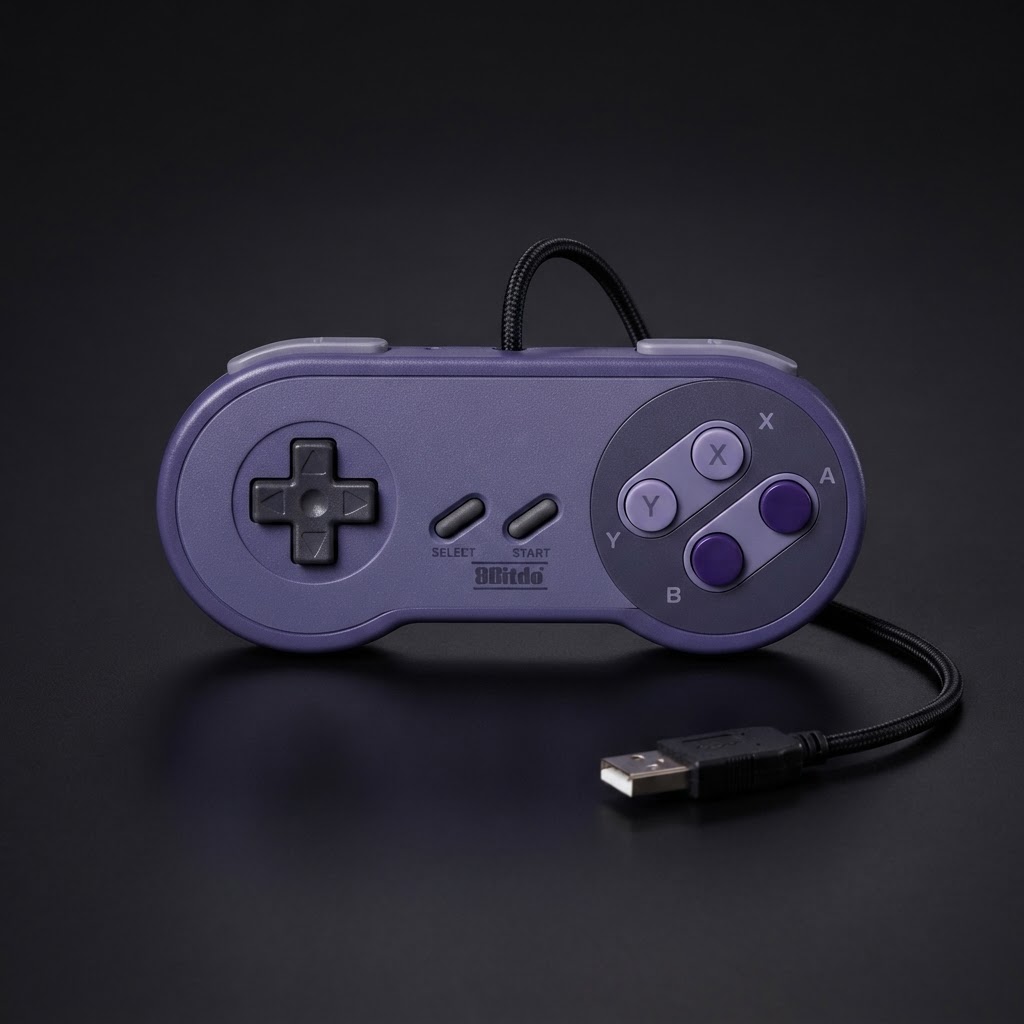
For PC emulation, MiSTer, or Raspberry Pi builds, a quality SNES-style USB controller is often the smartest starting point in your collection. The best options in this category feature tactile clicky face buttons that feel genuinely close to the original SNES hardware, a D-pad with proper diagonal registration, and a cord length of at least 6 feet. Look for models using actual SNES button colors (purple body, colored face buttons) if authenticity matters to you aesthetically.
Top traits to prioritize: genuine microswitches or high-quality membranes, USB-A plug-and-play compatibility, and correct SNES button spacing. Avoid suspiciously cheap options under $8 — they almost universally use spongy buttons and D-pads that lack precision.
Wireless SNES Options
If you want a clean, cable-free setup — and in 2026, many collectors do — a wireless retro Bluetooth controller in the SNES form factor gives you the classic feel with modern convenience. The best models support simultaneous Bluetooth and USB connectivity, pair instantly with Android TV boxes, Steam Deck, PC, and even some smart TVs, and maintain latency low enough that it won't affect even precise platformers.
NES and Early 8-Bit Controllers
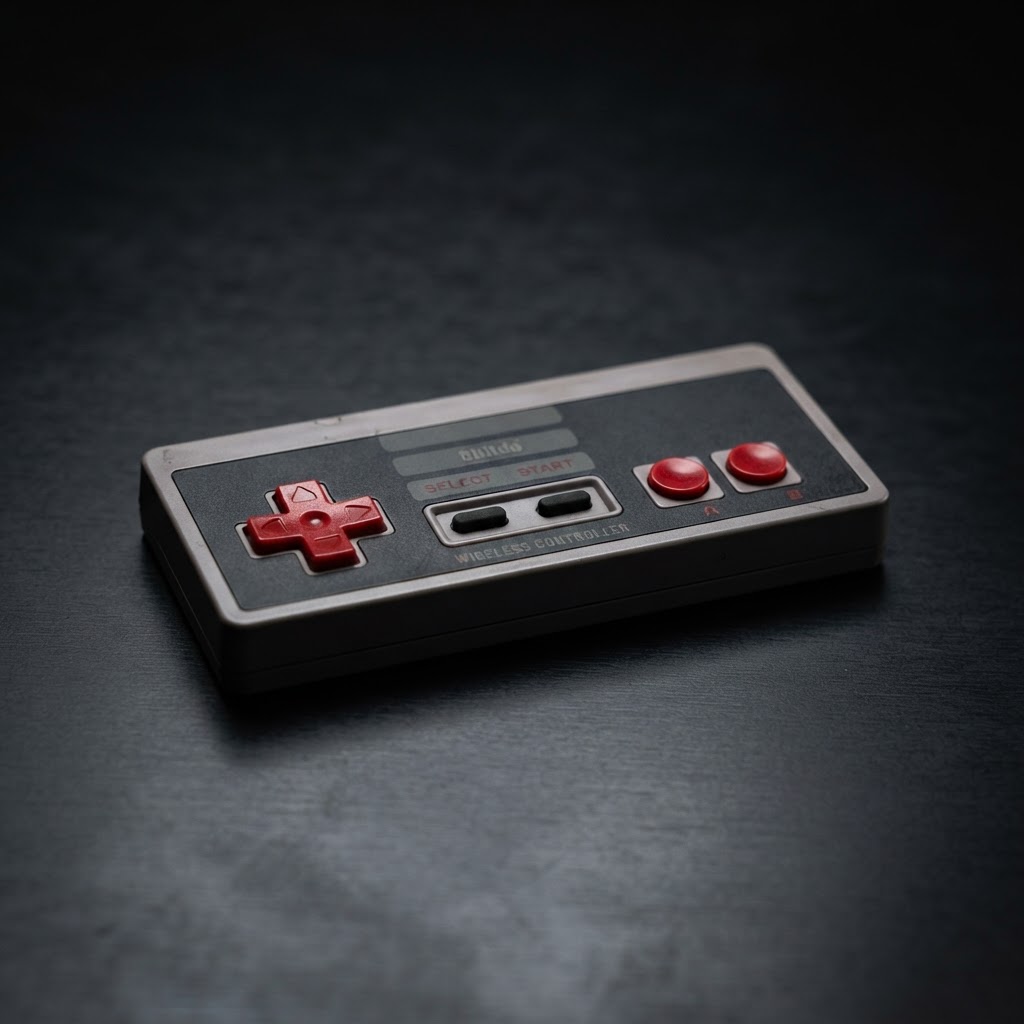
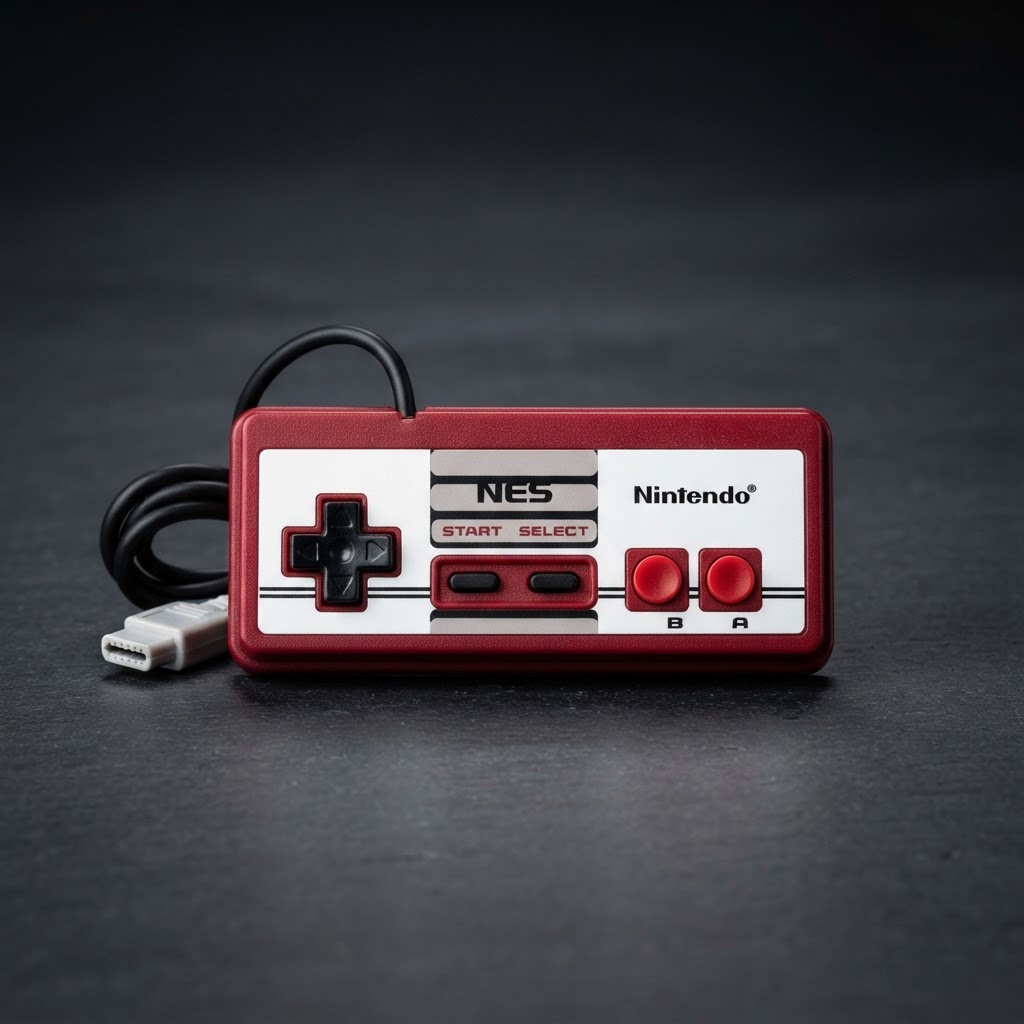
The original NES rectangular controller is a divisive topic among collectors. Purists love it for Castlevania, Mega Man, and Duck Tales sessions. Critics point out that extended play sessions cause genuine hand cramps — the "Nintendo thumb" is a real phenomenon. That said, for authentic 8-bit gaming, it remains an essential piece of the collection.
The NES Classic Mini controller — both Nintendo's official version and quality third-party reproductions — is a solid choice for playing on NES Classic hardware or via an adapter on original consoles. The button travel on the best reproductions is remarkably faithful to the original. For those building a retro arcade cabinet or just wanting the most authentic NES experience, these are worth tracking down.
Pro tip: If you're playing NES games on a MiSTer FPGA setup, an original NES controller with a USB adapter will give you the absolute closest feel to the real hardware — with zero latency concerns and completely authentic D-pad response.
Sega Genesis and 16-Bit Alternatives
Sega's contribution to controller design is often underrated. The original 3-button Genesis pad was a masterpiece of simplicity, and the 6-button revision — essential for Street Fighter II: Special Champion Edition and Mortal Kombat — is still considered one of the finest fighting game controllers ever made.
Sega Genesis USB Controllers
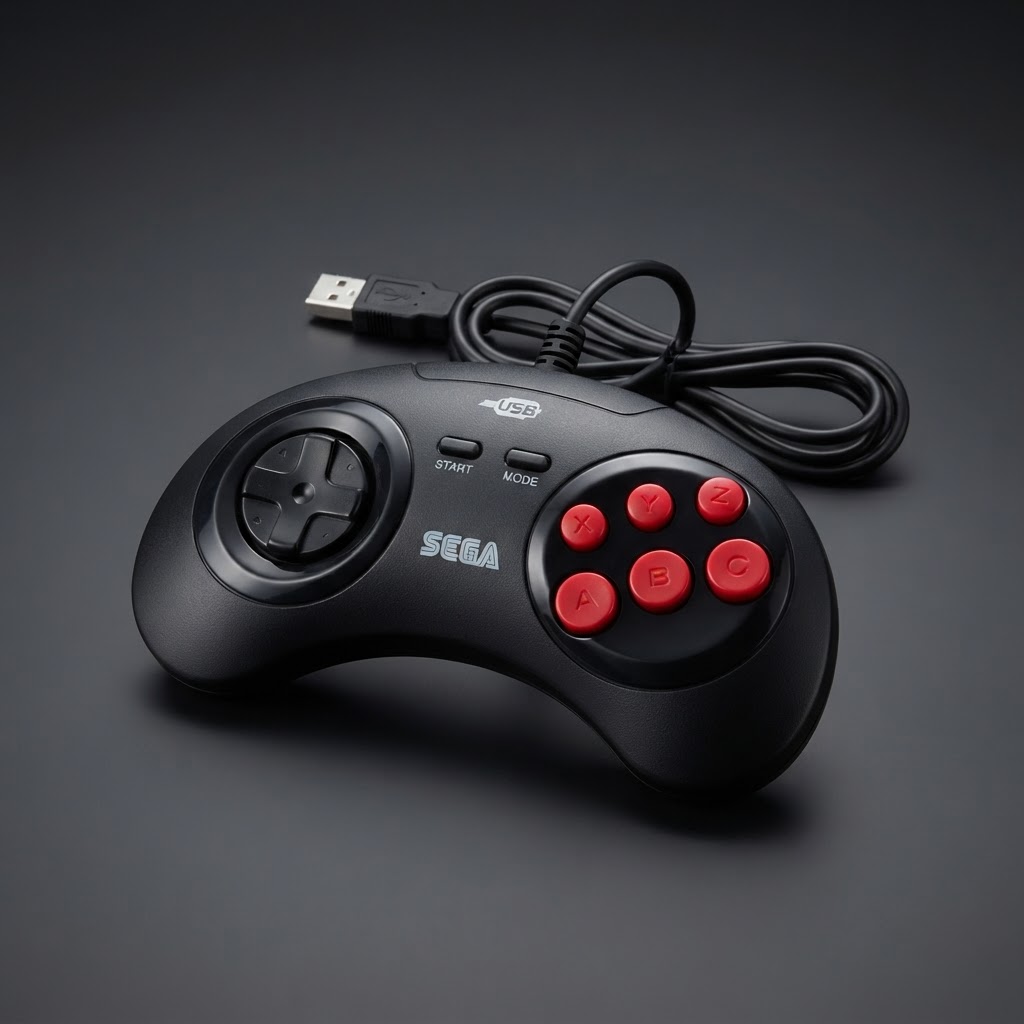
A quality Sega Genesis style USB controller brings that iconic layout to modern emulation setups. The best options faithfully reproduce the convex A, B, C face button layout, the distinctive oval form factor, and the satisfying click of the original. For Golden Axe, Streets of Rage, and especially Comix Zone, there's simply no better shape in your hands.
Look for 6-button variants specifically if you're planning any fighting game sessions — the X, Y, Z buttons on the top row are essential for those titles. The D-pad on Genesis-style controllers tends to be particularly good for 2D scrolling games, with a slight pivot feel that differs from the SNES pad and suits Genesis games beautifully.
Arcade Sticks for Fighting Games and Shoot-Em-Ups
No retro controller guide is complete without addressing the arcade stick. For collectors who care deeply about Street Fighter II, Mortal Kombat, King of Fighters, or the vast library of SHMUP classics like Raiden, Gradius, and 1942, a proper arcade stick transforms the experience entirely.
A high-quality retro arcade joystick featuring a genuine 8-way joystick mechanism and Sanwa or Seimitsu-style buttons will make you feel like you've been transported to a 1991 arcade. The difference between playing Street Fighter II on a D-pad versus a proper arcade stick is genuinely night-and-day — special moves register more reliably, the physical feedback is more satisfying, and the authenticity of the experience increases dramatically.
Key specs to look for in an arcade stick:
- True microswitched joystick mechanism (not a cheap analog stick)
- 24mm and 30mm button compatibility (standard arcade button sizes)
- Solid weighted base that doesn't slide on your lap or desk
- USB or multi-platform compatibility
- A flat top surface large enough for comfortable wrist placement
Budget vs. Premium: Which Tier is Right for You?
This is the question that splits the retro gaming community more than almost any other. Here's the honest breakdown:
Budget Controllers ($8–$25)
At the lower end, you're looking at controllers that handle casual gaming just fine but will frustrate dedicated players. D-pads often lack diagonal precision, buttons may feel mushy, and build quality can mean cracks appearing after a year of regular use. That said, for someone just getting started with emulation or picking up retro gaming as a hobby, budget options are a perfectly valid entry point.
Mid-Range Controllers ($25–$60)
This is the sweet spot for most collectors. Mid-range controllers from reputable brands offer genuine microswitched buttons, accurate D-pads, solid build quality, and good compatibility. Whether you go wired or wireless in this range, you'll find options that genuinely rival the feel of original hardware. Most of the products mentioned in this guide fall into this tier.
Premium Controllers ($60–$150+)
Boutique options like the 8BitDo Ultimate series, Retro-Bit's officially licensed reproductions, and custom arcade sticks represent the top of the market. If you're a serious collector, a competitive retro gamer, or someone who simply wants the absolute best feel available, this tier delivers. Official licensed reproductions in particular — like Retro-Bit's Sega Genesis pads or SNES controllers — use tooling and materials extremely close to the originals.
Setting Up Your Retro Gaming Station for the Best Experience
A great controller is only part of the equation. To truly get the most out of your retro gaming setup in 2026, a few companion pieces are worth considering.
If you're playing original hardware on a modern TV, a retro console HDMI converter is essentially mandatory — it cleanly handles the signal conversion from composite or RGB outputs without the input lag that cheap adapters introduce. Pair that with a proper display setup, and your controllers will perform exactly as they should.
For collectors who also want to display their gear proudly, an RGB LED console display stand lets you showcase your NES, SNES, Genesis, and other systems in style while keeping your play area organized. And don't forget: if you're playing on original cartridge-based hardware, a game cartridge cleaning kit will keep your games reading reliably — because a perfectly calibrated controller can't save a session ruined by a dirty cartridge connection.
Final Thoughts
The best retro gaming controller in 2026 is ultimately the one that makes you forget you're holding anything at all — the one that disappears into your muscle memory and lets the game take over completely. That feeling is different for everyone. An SNES D-pad maestro and a Genesis fighting game veteran will have very different answers to "what's the best controller?"
What we can tell you with confidence is this: the market in 2026 is genuinely excellent. Whether you spend $20 on a solid USB SNES clone for your emulation rig, invest in a premium licensed reproduction for your original hardware, or drop serious money on a boutique arcade stick for your fighting game sessions, there are real, quality options at every tier. The era of retro controller options being universally cheap and bad is behind us.
Start with your primary gaming platform and the consoles you care most about. Build from there. And remember — the goal isn't the perfect collection of controllers. The goal is sitting down on a Friday night, picking up something that feels exactly right, and losing two hours to Contra, Chrono Trigger, or Streets of Rage without thinking about any of this at all. That's the dream. These controllers will get you there.