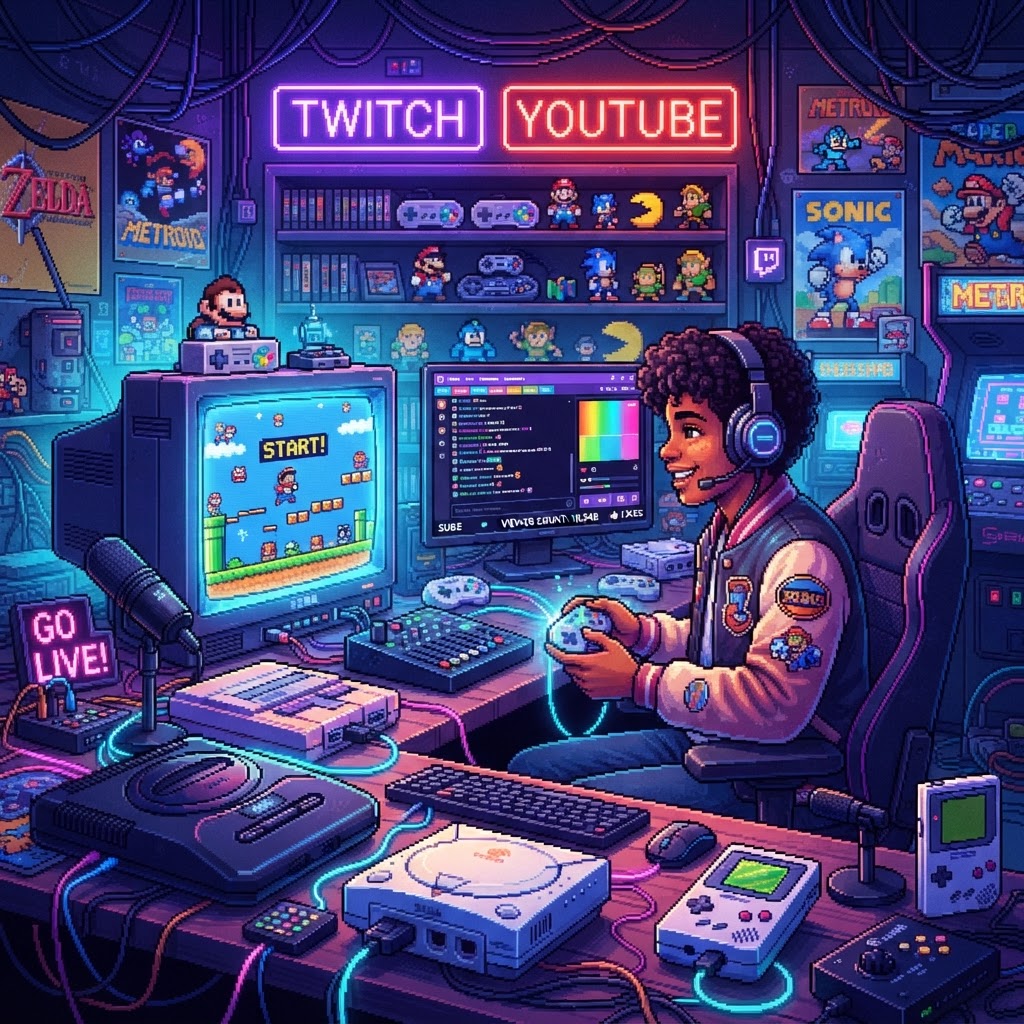
Why Retro Game Streaming Is Booming Right Now
Retro gaming streams are among the fastest-growing niches on both Twitch and YouTube. Nostalgia is a powerful magnet for viewers, and the barrier to entry is surprisingly low compared to modern AAA game streaming. But "low barrier" doesn't mean "no strategy." Doing it right requires the correct capture setup, software configuration, audio/video optimization, and community-building tactics. That's exactly what this top-10 ranked guide delivers — ordered from the highest-impact step down to the finishing touches that separate good streamers from great ones.
#1 — Choose the Right Capture Method for Your Hardware
Why it ranks first: Without proper video capture, nothing else matters.
Streaming retro consoles — NES, SNES, Genesis, PlayStation 1, N64 — is trickier than streaming modern systems because most output composite or S-Video signals that modern capture cards can't cleanly handle. Your options:
- Original hardware + upscaler (e.g., RetroTINK-5X): Converts analog signals to HDMI cleanly for capture cards. Best quality.
- FPGA consoles: Hardware-accurate emulation at HDMI output. An FPGA Retro Console (Analogue-Style) is plug-and-play into any Elgato or AVerMedia capture card and produces broadcast-quality output with zero lag.
- Software emulation on PC: Tools like RetroArch feed directly into OBS. Easiest setup, but purists debate authenticity.
Pro tip: FPGA is the gold standard for streaming original games with authentic behavior, especially for platformers and fighting games where timing is critical.
#2 — Set Up OBS Studio (or Streamlabs) Correctly
OBS Studio is free and the industry default. Key settings for retro game streaming:
- Canvas resolution: 1920×1080
- Output resolution: 1280×720 minimum for fast-moving retro graphics
- Encoder: NVENC (Nvidia) or x264 for CPU
- Bitrate: 4500–6000 Kbps for Twitch; higher for YouTube (up to 12,000 Kbps)
- Frame rate: Lock to 60 FPS even for 30 FPS games — smoother chat overlay animations
Add a Game Capture source for emulators or a Video Capture Device source for HDMI capture cards. Always enable audio monitoring to catch sync drift early.
#3 — Nail Your Audio Setup
Bad audio kills streams faster than bad video. For retro game streaming, you're balancing three audio sources: game audio, microphone, and optional music.
Critical note on music: Classic video game soundtracks are frequently DMCA-flagged on both platforms. Use royalty-free alternatives or mute game music and play your own. Speaking of iconic soundtracks — a Premium Vinyl Game Soundtrack Box Set makes for a great visual prop in your stream background while nodding to the culture without copyright risk.
Use a dedicated USB or XLR microphone, set noise suppression filters in OBS, and keep game audio at 70–80% relative to your mic level.
#4 — Design a Stream Layout That Screams Retro
Your overlay is your brand. For retro gaming channels, lean into pixel art aesthetics:
- Use pixel-font text for alerts and chat boxes
- Add scanline overlays to give your gameplay that CRT feel
- Use retro-colored borders (8-bit color palettes)
Decorate your physical streaming space, too. Retro Gaming Wall Decals are an affordable, visually striking way to build a branded background for your webcam shot. Viewers subconsciously trust streamers who look like they live the hobby.
#5 — Optimize Your Controller Setup for On-Camera Comfort
Nothing breaks viewer immersion like watching a streamer fumble with a tangled cable or drop input. If you're playing on original hardware positioned near your TV but sitting at a streaming desk, Controller Extension Cables are a simple fix that eliminates the awkward lean-forward posture that looks terrible on camera.
For wireless setups, keep controllers charged between sessions with a Dual Controller Charging Dock — especially if you're doing co-op streams or charity marathon events where dead controllers mid-stream are embarrassing.
#6 — Configure Platform-Specific Settings
Twitch
- Enable Low Latency Mode in dashboard settings
- Set stream category to the specific retro game title (not just "Retro Gaming") for discoverability
- Use Predictions and Polls features for "which game should I play next?" engagement
YouTube
- Schedule streams in advance and create a Waiting Room with a retro-themed thumbnail
- Add timestamps to VODs post-stream for chapter navigation — massive for watch time
- YouTube's algorithm rewards consistent upload schedules more than Twitch does
#7 — Build Discoverability Through Smart Titling and Tagging
Long-tail SEO applies to stream titles too. Instead of "Playing Super Metroid," try:
- "Super Metroid Any% Speedrun — Can I Break 50 Minutes? | SNES Classic"
- "Final Fantasy VI Blind Playthrough Part 3 — Opera Scene Reaction"
On YouTube, treat every archived stream VOD as a standalone video. Add keyword-rich descriptions, timestamps, and relevant tags like "SNES gameplay," "retro game stream," and "classic RPG playthrough."
#8 — Engage Your Community With Retro Gaming Culture
The retro gaming community is deeply passionate about history, lore, and collecting. Lean into it:
- Do "did you know?" commentary about the game's development history
- Run giveaways — a Retro Gaming Enamel Pin Set or a Collectible Video Game Character Statue are affordable, highly desirable prizes that drive follows and subscriptions
- Host "console wars" debates in chat — engagement spikes immediately
These community rituals increase average watch time, which both Twitch and YouTube reward algorithmically.
#9 — Go Mobile With a Handheld Streaming Segment
A growing trend among retro streamers: the "portable session" where you stream from a handheld device during a commute or at a gaming event. A quality Handheld Retro Gaming Console with Wi-Fi connectivity can be streamed directly via your phone using apps like Streamlabs Mobile, offering a casual, authentic vibe that audiences love as a format change.
#10 — Analyze, Iterate, and Post a Consistent Schedule
Consistency beats virality for retro game channels. Use:
- Twitch Dashboard analytics to find your peak viewer times
- YouTube Studio to track average view duration and click-through rates on thumbnails
- TwitchTracker / SullyGnome for historical growth data
Post at least twice per week. Archive every Twitch stream to YouTube the next day (download via Twitch's download feature). This compound content strategy means one hour of live content becomes a permanent YouTube asset.
Final Thoughts: Build Your Retro Streaming Empire Step by Step
Streaming retro games on Twitch and YouTube rewards preparation and passion in equal measure. Start with a clean capture setup — ideally with an FPGA Retro Console (Analogue-Style) for zero-compromise quality — build your branded overlay, optimize for platform algorithms, and consistently engage your community with the collectible culture that makes retro gaming unique. Follow these 10 ranked steps and you'll go from zero to a recognized name in the retro streaming space faster than you think.



