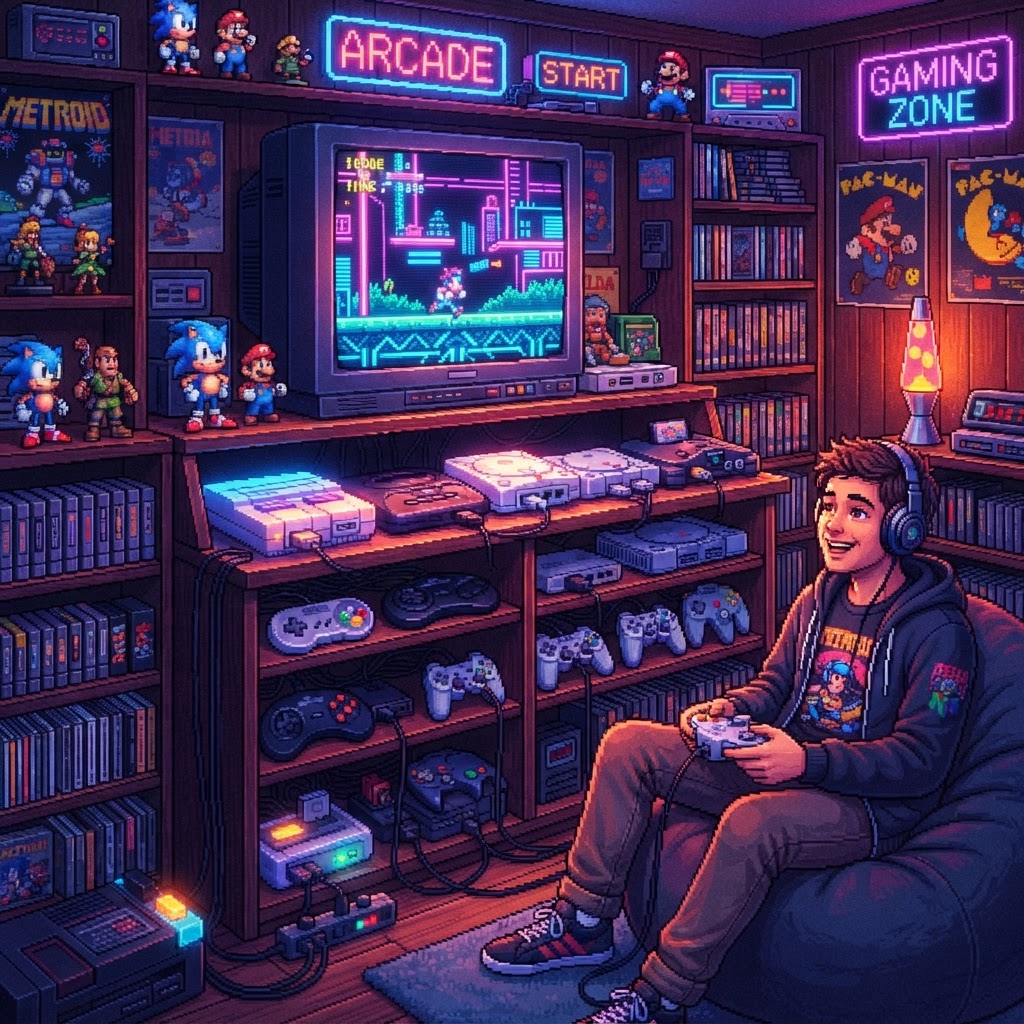
How to Build a Multi-Console Gaming Station: The Ultimate Setup Comparison Guide
Whether you're a seasoned collector or a first-time retro enthusiast, this guide breaks down every major approach to building a multi-console gaming station — weighing the real pros and cons side by side so you can build the perfect setup for your space, budget, and playstyle.
Why Build a Multi-Console Gaming Station?
There's something almost sacred about having every console you love within arm's reach. A multi-console gaming station isn't just a flex — it's a functional shrine to gaming history. But here's the problem: most guides tell you what to buy without telling you why one approach beats another. Should you go fully authentic with original hardware? Stack up a handful of mini consoles? Go all-in on an emulation box? Or build a hybrid?
The answer depends on four things: your space, your budget, your tolerance for cable chaos, and how deeply you care about the "original feel." Let's break down each major approach head-to-head.
Option 1: Original Hardware Multi-Console Setup
What It Is
This is the purist's path — tracking down original SNES, Genesis, N64, PlayStation, Dreamcast, and other hardware units, connecting them to a CRT or upscaler, and playing on the real thing.
Pros
- Authentic experience: No input lag, no emulation quirks, no compromises.
- Collector value: Original hardware appreciates in value over time.
- Community respect: The retro gaming community holds original hardware in the highest regard.
- Controller authenticity: Original controllers feel different — genuinely different — from any replica.
Cons
- Space: Each console needs its own shelf, cables, and power supply. Five consoles easily consume an entire entertainment unit.
- Cost: Prices for original hardware have climbed sharply since 2018. A working N64 in good condition regularly sells for $80–$150+.
- Maintenance: Cartridge-based systems require regular cleaning. An Anti-Static Cartridge Cleaning Brush is essentially non-negotiable for keeping contacts clean and games loading reliably.
- Display headaches: Most retro consoles output 240p or 480i — a format modern flat-panel TVs handle poorly without a dedicated upscaler.
Best For
Collectors who prioritize authenticity, have dedicated shelf space, and enjoy the ritual of physical media.
Option 2: Mini Console Collection
What It Is
Nintendo's NES Classic and SNES Classic, the Sega Genesis Mini, the PlayStation Classic, and several others offer plug-and-play solutions with pre-loaded libraries in compact form factors.
Pros
- Compact footprint: You can fit three or four mini consoles in the space one original unit would occupy.
- Modern display compatibility: Mini consoles output HDMI natively — no upscalers needed.
- Affordable entry point: Most mini consoles retail between $40–$100.
- No maintenance: No cartridges to clean, no belt replacement, no capacitor worries.
Cons
- Limited libraries: You're locked into the pre-loaded game selection unless you mod the device.
- No physical media experience: If you love the ritual of pulling a cartridge off the shelf and blowing into it, mini consoles don't scratch that itch.
- Controller quality varies: Some mini console controllers feel cheap compared to originals.
- Discontinued models: Many mini consoles are no longer in production, making them increasingly hard to find.
Best For
Casual players who want to revisit childhood favorites without the complexity of a full original hardware setup.
Option 3: Dedicated Emulation Box (Raspberry Pi / Batocera / MiSTer FPGA)
What It Is
Single-board computers running emulation software (RetroPie, Batocera, or Recalbox) can emulate dozens of consoles simultaneously. The MiSTer FPGA takes this further, using field-programmable gate array hardware for near-cycle-accurate emulation.
Pros
- All-in-one coverage: One box can handle NES, SNES, Genesis, N64, PS1, and even arcade titles simultaneously.
- Minimal physical footprint: A Raspberry Pi 5 with a case is smaller than a paperback book.
- Customizable: ROMs, shaders, scan line filters, and frontend themes are all adjustable.
- HDMI output: Modern display friendly out of the box.
Cons
- Legal gray area: Downloading ROMs for games you don't own is legally dubious.
- Setup complexity: Getting a Raspberry Pi running smoothly requires patience, terminal commands, and troubleshooting.
- Controller management: You'll need to source and organize controllers for each platform you want to emulate accurately.
- Not authentic: Emulation, even FPGA-based, isn't always 100% perfect. Some games have glitches or audio inaccuracies.
Pro Tip
Use a Gamepad Carrying Case to keep your collection of USB and Bluetooth controllers organized and protected, especially if you're regularly swapping between platforms in an emulation setup.
Best For
Tech-savvy gamers who want maximum coverage with minimum space and don't mind diving into the setup process.
Option 4: Bartop Arcade Cabinet Hybrid
What It Is
A Bartop Arcade Machine pre-loaded with thousands of arcade and console titles in a classic upright cabinet form factor. Many units also run emulation internally, making them a multi-console solution in a single piece of furniture.
Pros
- Aesthetic impact: Nothing in a gaming room commands attention like an arcade cabinet.
- Social gaming: Bartop cabinets are built for two players and feel instantly communal.
- All-in-one hardware and display: Monitor, speakers, controls, and compute are integrated.
- Pre-configured: Many units arrive ready to play with minimal setup.
Cons
- Large footprint: Even a "bartop" unit is significant furniture — roughly the size of a large monitor on a pedestal.
- Cost: Quality bartop cabinets typically run $200–$600+.
- Limited controller authenticity: Joystick-and-button interfaces work great for fighting games and arcade titles but feel awkward for platformers designed for a gamepad.
- Modding required for best results: Out-of-the-box libraries often include filler titles; customizing them takes effort.
Best For
Gamers who want a showpiece centerpiece for a dedicated gaming room and prioritize arcade-style and multiplayer experiences.
Side-by-Side Comparison at a Glance
| Factor | Original Hardware | Mini Consoles | Emulation Box | Bartop Arcade | |---|---|---|---|---| | Authenticity | ★★★★★ | ★★★☆☆ | ★★★☆☆ | ★★☆☆☆ | | Space Required | High | Low | Minimal | High | | Cost (5-console coverage) | $$$$ | $$ | $ | $$$ | | Setup Complexity | Medium | Low | High | Low–Medium | | Display Compatibility | Tricky | Easy | Easy | Built-in | | Collector Appeal | ★★★★★ | ★★☆☆☆ | ★★☆☆☆ | ★★★☆☆ |
Making Your Station Feel Like a Destination
Regardless of which approach you choose, presentation matters. A great multi-console station isn't just functional — it tells a story.
- Mount a Limited Edition Game Cartridge Display Case on the wall behind your setup to showcase your most prized physical media as art.
- Add a Console-Shaped Desk Lamp to your station for ambient lighting that doubles as a conversation piece.
- Track your progress, document your collection, and note your high scores in a Retro Gaming Journal & Notebook — a surprisingly satisfying analog habit in an all-digital hobby.
Conclusion: There's No Single "Best" Setup
The truth is, the best multi-console gaming station is the one you'll actually use and enjoy. If you're a purist with dedicated shelf space, invest in original hardware and keep those cartridges clean. If you want everything in one box without the clutter, an emulation setup is hard to beat. And if you want a statement piece that doubles as a party attraction, a bartop arcade cabinet delivers.
Start by picking your primary approach, then layer in the details — display cases, proper lighting, organized controllers — that turn a functional setup into a genuine gaming sanctuary.
Ready to level up your space? Start by grabbing a Limited Edition Game Cartridge Display Case and building outward from there. Your future self — mid-session on a Saturday night — will thank you.



