Why Most Retro Collecting Guides Miss the Point
Browse any generic "retro gaming starter guide" and you'll find the same vague advice: buy a flashcard, grab some cartridges, have fun. What they skip is the messy reality — the cartridge that won't read, the console that throws a blurry signal onto your modern TV, the controller that dies mid-session, or the prized boxed game that's slowly getting crushed at the bottom of a shelf.
Real collectors don't just acquire — they preserve, repair, and display. This guide is built around the problems you'll actually encounter, matched with the specific tools that solve them. Think of it as your retro gaming troubleshooting kit in article form.
Problem #1: Your Retro Console Looks Terrible on a Modern TV
The Signal Chain Is Working Against You
This is the single most common frustration for collectors returning to classic consoles. You hook up your PlayStation 2, Super Nintendo, or Sega Genesis, and instead of nostalgia, you get a blurry, stretched, laggy mess. The culprit is the mismatch between analog output signals and modern HDMI-only displays.
The cleanest solution for component-output consoles (PS2, Wii, original Xbox) is a dedicated Component to HDMI Converter. These compact devices take the red, green, blue, and audio cables and output a clean, upscaled HDMI signal. Look for models that support 1080p upscaling and have low input lag — both are critical for platformers and fighting games where timing is everything.
Pro tip: Always test your converter with a fast-paced game like Mega Man X or Tekken 3. If you notice input delay, try a different unit or check if your TV has a dedicated "Game Mode" to disable post-processing.
Managing Multiple Consoles on One Screen
If you're running a multi-console setup — and most serious collectors are — constantly swapping cables is a nightmare that loosens ports over time. An HDMI Splitter for Retro Consoles (technically an HDMI switch with multiple inputs) lets you connect several systems and toggle between them with a button press. This protects your console's HDMI and converter ports from wear while keeping your setup clean and practical.
Problem #2: Your Cartridges Won't Read, and Your Console Needs Repair
Dirty Contacts Are the Number One Cause
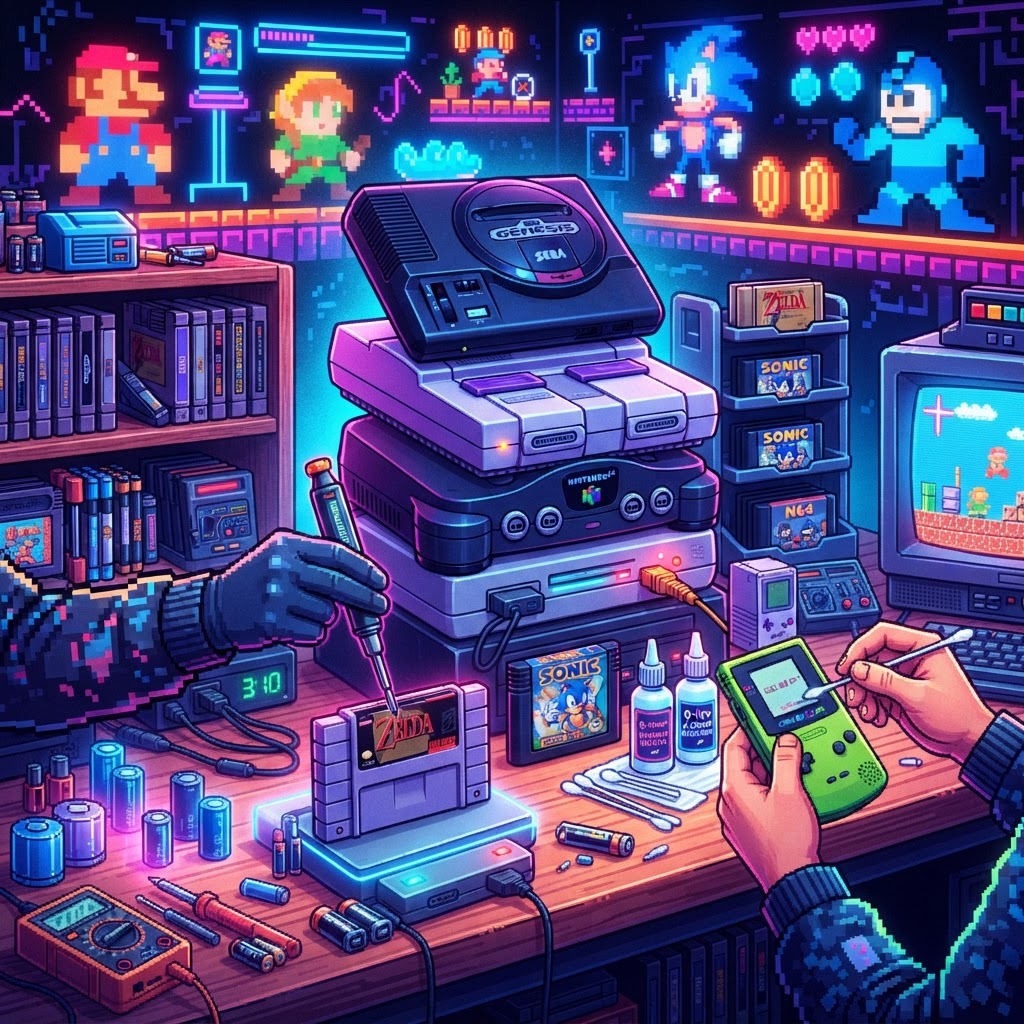
Before you assume the worst, know this: roughly 70–80% of cartridge read errors are caused by oxidized or dirty contacts, not hardware failure. A proper cleaning routine — using isopropyl alcohol (90% or higher) and cotton swabs — resolves most issues in minutes.
But for deeper hardware problems — capacitor replacement, pin connector repair, broken solder joints — you need proper tools. A quality Retro Console Repair Soldering Kit is non-negotiable for any collector who wants to self-repair rather than send consoles off to a shop. Look for a kit that includes temperature-controlled iron, solder, flux, desoldering wick, and helping hands. Temperature control is especially important when working on vintage PCBs that can't take excessive heat.
Common repairs this enables:
- Replacing capacitors on Sega CD, Saturn, or Game Boy units
- Reflowing solder joints on NES pin connectors
- Fixing broken controller ports on PlayStation or N64 consoles
- Recapping Game Boy Advance SP boards for better audio
CRT Maintenance: Keeping Your Authentic Display Clean
Many serious collectors prefer a CRT television for that authentic scanline look — and rightly so. But CRTs attract dust and static like magnets, and improper cleaning can scratch the screen or damage the anti-glare coating permanently. A dedicated CRT Screen Cleaning Kit with the right anti-static solution and microfiber cloths keeps your display pristine without risking damage. Never use standard glass cleaners on a CRT — the ammonia can strip coatings and cloud the screen over time.
Problem #3: Your Collection Has No Protection (And No Presentation)
Loose Cartridges Are a Conservation Crisis in Slow Motion
A cartridge rattling around in a cardboard box is a cartridge getting scratched, cracked, or lost. For collectors who've invested hundreds — sometimes thousands — of dollars in building a library, proper display and storage isn't optional. A Limited Edition Game Cartridge Display Case does double duty: it protects your games from dust, humidity, and physical damage while turning your collection into a display-worthy piece of gaming history.
Wall-mounted acrylic cases work especially well for showcasing SNES, Genesis, or N64 libraries. Look for UV-resistant materials if your display area gets sunlight — UV exposure yellows cart labels faster than almost anything else.
Set the Scene with the Right Atmosphere
Serious collecting is also about the experience. A Console-Shaped Desk Lamp might seem like a novelty, but in a dedicated retro gaming room or shelf display, thematic lighting transforms the space. It's also genuinely practical — adequate task lighting when you're sorting cartridges, inspecting labels for authenticity, or reading fine print on PCBs protects your eyesight and catches details you'd otherwise miss.
Problem #4: Controller and Power Management Mid-Session
Dead Controllers Kill the Vibe — and the Session
Wireless controllers for retro setups (8Bitdo adapters, Bluetooth retrofitted pads) are increasingly popular, but battery drain is a real issue during long sessions. A Portable Controller Charger Power Bank keeps your controllers topped up without forcing you to pause and dig for cables. High-capacity power banks with multiple USB outputs can simultaneously charge a controller, top up your phone, and keep a small LED lamp running — essential for extended gaming nights.
Bonus: Bridging Retro and Modern with Versatile Hardware
For collectors who also want access to emulation or modern indie games without building a separate PC, the ASUS ROG Ally Handheld Gaming PC is worth noting. It runs full Windows, which means emulators, ROM management software, and even streaming from your main setup are all on the table in a portable form factor. It won't replace original hardware for purists, but as a complementary tool for research, backup, and travel gaming, it's a powerful addition to any serious collector's toolkit.
Your Retro Collecting Toolkit: Quick-Reference Summary
| Problem | Tool | |---|---| | Blurry signal on modern TV | Component to HDMI Converter | | Managing multiple consoles | HDMI Splitter for Retro Consoles | | Console repair and soldering | Retro Console Repair Soldering Kit | | CRT display maintenance | CRT Screen Cleaning Kit | | Cartridge storage and display | Limited Edition Game Cartridge Display Case | | Controller battery drain | Portable Controller Charger Power Bank |
Conclusion: Build Your Kit Around the Problems You Actually Face
The best retro game collectors aren't just hoarders with good taste — they're problem-solvers, preservationists, and tinkerers. Every tool in this guide earns its place by solving a specific, recurring pain point that every collector eventually runs into. Start with the gear that addresses your biggest current frustration, then build out from there.
Ready to upgrade your setup? Start with a Retro Console Repair Soldering Kit if you've got a console waiting on the repair shelf, or grab a Component to HDMI Converter to finally get that clean picture you've been chasing. Your collection deserves the right tools.



