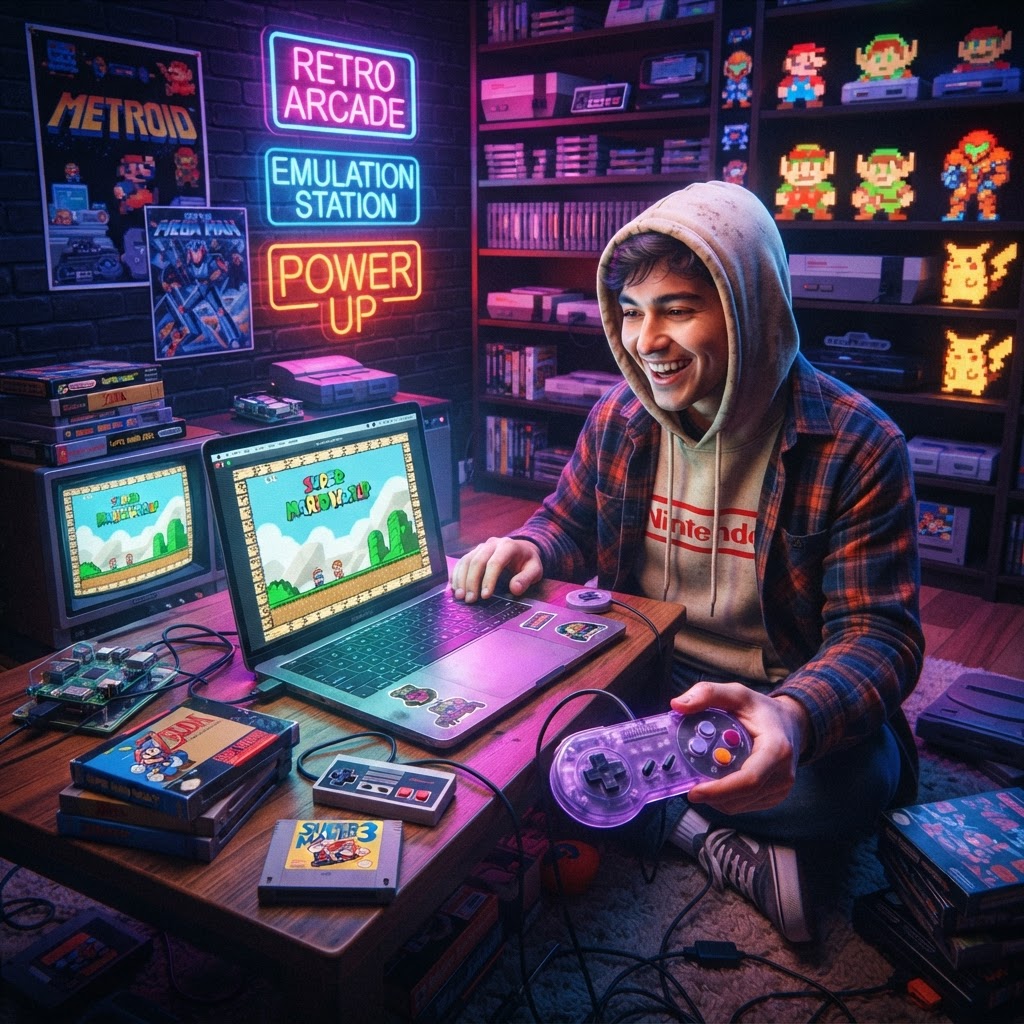
Why SNES and NES Emulation Is Bigger Than Ever
The golden age of Nintendo never really ended — it just moved to new hardware. Today, millions of players are rediscovering classics like Super Metroid, Chrono Trigger, Mega Man 2, and The Legend of Zelda through emulation. Thanks to a decade of community-driven development, modern emulators like Retroarch, BSNES, Snes9x, and FCEUX can reproduce the original hardware experience with stunning accuracy — sometimes even surpassing it with widescreen hacks, HD texture packs, and netplay.
But the software is only half the equation. If you're playing NES and SNES games with a stock USB keyboard on a folding table, you're leaving a massive amount of authentic magic on the floor. The right gear transforms emulation from a technical curiosity into a genuinely immersive experience.
This buying guide breaks down every essential piece of kit — from controllers to display tech — so you can build the ultimate SNES and NES emulation setup, whatever your budget.
1. The Controller: Non-Negotiable for Authentic Feel
Nothing destroys the magic of playing Super Mario World faster than using the wrong controller. The SNES gamepad's distinctive layout — convex face buttons, shoulder triggers, and a D-pad that Nintendo arguably never improved upon — is integral to how these games were designed.
Your best options:
- 8BitDo SN30 Pro — The gold standard for SNES-style wireless gaming. Bluetooth connectivity, USB fallback, and near-perfect button layout.
- Original SNES or NES controllers via USB adapter — If you own original hardware, a Raphnet or RetroUSB adapter lets you plug real controllers directly into your PC or Raspberry Pi.
- Retro Fighters controllers — Budget-friendly alternatives with a modern feel.
For desktop or living room setups, you'll almost certainly deal with cable management headaches. If your couch is more than a few feet from your computer or console front-end box, invest in a set of Controller Extension Cables. These are especially useful if you're using wired gamepads or have a Raspberry Pi RetroPie rig tucked behind your TV — a quality extension cable eliminates the need to reposition your entire setup every time you sit down to play.
2. The Display: CRT vs. HDMI — What's Actually Best?
This is the most debated topic in the emulation community, and for good reason. The SNES and NES were both designed to output to CRT televisions, which used scan lines and phosphor glow to render sprites in ways that flat-panel displays simply don't replicate natively.
Your practical options in 2024:
CRT Television (Free to $50)
If you can find a Trinitron or comparable CRT at a thrift store, this is the most authentic display solution for NES and SNES emulation — especially when paired with composite or RGB output hardware. Scan lines are free and natural, and pixel art looks exactly as the developers intended.
Modern Flat Panel with CRT Shaders
Can't source a CRT? High-quality shader packs within RetroArch (like CRT-Royale or CRT-Geom) do a remarkable job of simulating scan lines on 1080p and 4K displays. Pair this with a mid-range gaming monitor and you're set.
FPGA Hardware
For the purists who want real hardware accuracy without actual cartridges, the Analogue Pocket FPGA Handheld is one of the most impressive pieces of retro gaming tech available today. While it's primarily a handheld, its dock mode outputs to TV via HDMI, and its FPGA cores cycle-accurately reproduce original hardware behavior — this is emulation elevated to an art form.
3. Display Routing: HDMI Splitters for Multi-Screen Setups
Building a dedicated emulation station? Many enthusiasts run dual-monitor or living room plus desktop configurations. If you're piping retro game output to multiple displays simultaneously — say, your main TV for gameplay and a secondary monitor for stream overlays — you'll need a reliable HDMI Splitter for Retro Consoles. Look for a splitter that handles 1080p at 60Hz minimum and preserves HDCP passthrough; budget options can introduce input lag, which is catastrophic for fast-paced NES action platformers.
4. The Emulation Hardware Itself
PC / Laptop
A mid-range modern PC or laptop handles SNES and NES emulation at full speed with almost no effort — even a basic Intel Core i3 chip can run bsnes (the most demanding SNES emulator) at full speed. What matters more is storage speed and operating system familiarity.
Raspberry Pi RetroPie or Batocera
The Raspberry Pi 4 running RetroPie or Batocera Linux is the go-to solution for a living room dedicated emulation box. It's quiet, power-efficient, and connects to your TV like any other console.
PolyMega Modular Retro Console
For players who want a premium, plug-and-play solution that bridges the gap between hardware authenticity and modern convenience, the PolyMega Modular Retro Console is worth serious consideration. This dedicated retro system accepts original game cartridges and uses both emulation and FPGA techniques to deliver high-accuracy playback on modern TVs. It's the closest thing to an official, premium SNES and NES emulation appliance on the market.
5. Keyboard and Input for Menu Navigation
If your emulation front-end runs on a PC (using LaunchBox, EmulationStation, or RetroArch), you'll spend time navigating menus with a keyboard. Why settle for a generic membrane board? A Retro-Style Mechanical Keyboard with arcade-inspired aesthetics keeps the nostalgic atmosphere alive even during setup and configuration. Tactile feedback also makes remapping controls and adjusting emulator settings far more satisfying.
6. Protecting and Displaying Your Physical Collection
Even if you're emulating digitally, many enthusiasts maintain a physical cartridge collection alongside their setup — either for legal ROM dumping or pure nostalgia display purposes.
Cartridge Display
Show off your prized SNES and NES carts with a Limited Edition Game Cartridge Display Case. These acrylic or UV-protected cases keep cartridges dust-free while putting your collection front and center — they're conversation starters and a genuine visual upgrade to any gaming room.
Cartridge Labels
Replacement or custom labels breathe new life into worn carts. A pack of Game Cartridge Labels & Stickers is an inexpensive way to restore faded or damaged cartridges to shelf-worthy condition.
Anti-Static Protection for Hardware Tinkering
If you're opening up original cartridges to dump ROMs, clean contacts, or replace batteries, always use an Anti-Static Wrist Strap. Static discharge can permanently destroy the SRAM chip on save-battery games — one careless moment can wipe a save file that's survived since 1994.
Putting It All Together: The Ideal SNES/NES Emulation Setup
| Priority | Component | Recommendation | |---|---|---| | Essential | Controller | 8BitDo SN30 Pro or original pad + adapter | | Essential | Emulation Hardware | Raspberry Pi 4 or mid-range PC | | Essential | Controller Extension | Controller Extension Cables | | Upgrade | Premium Hardware | Analogue Pocket FPGA Handheld | | Nice to Have | Multi-Display | HDMI Splitter for Retro Consoles | | Enthusiast | Collection Display | Limited Edition Game Cartridge Display Case |
Conclusion: Build the Setup That Respects the Originals
SNES and NES emulation has never been more accessible — or more capable of delivering authentic retro experiences. But the gear you pair with your software defines whether you're truly playing these classics or just technically running them. From the tactile click of a proper controller to the vibrant pixel art on a well-calibrated display, every component in your setup contributes to the magic.
Start with the essentials: a quality controller, solid emulation hardware, and the right cables. Then build outward toward display upgrades, dedicated front-ends, and collection display. If you want an all-in-one hardware solution that handles everything out of the box, the PolyMega Modular Retro Console remains one of the most compelling options on the market today.
Now get out there and play some EarthBound. You've earned it.



