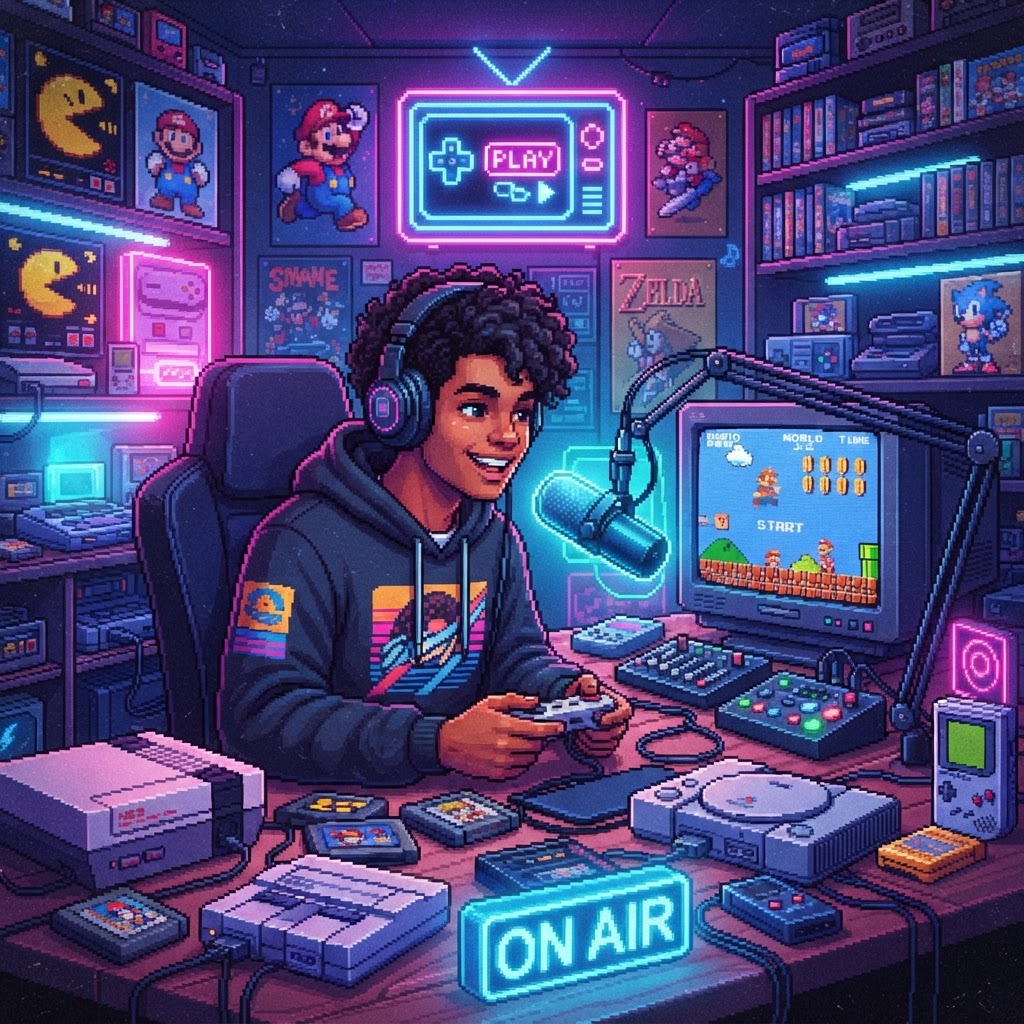
Why Retro Gaming YouTube Is Still a Golden Opportunity
Retro gaming content is exploding. Searches for terms like "how to play old games," "best SNES games," and "retro gaming setup" rack up millions of views every month, and the audience skews passionate, nostalgic, and highly engaged. Unlike mainstream gaming channels competing with billion-dollar studios, a retro channel lets you carve out a highly specific niche — speedrunning the Game Boy library, reviewing every Sega Genesis hidden gem, or documenting your journey collecting NES carts — where a small but devoted subscriber base is absolutely achievable.
The best part? You can start with almost zero hardware investment, scale up as you grow, and turn your channel into a genuine authority in the retro gaming community.
Step 1: Pick Your Retro Gaming Niche Before You Buy Anything
The single biggest mistake new creators make is going too broad. "Retro gaming" covers five decades of consoles, handhelds, computers, and arcade machines. Your job is to narrow it down.
Ask yourself:
- What era? 8-bit NES/Master System? 16-bit SNES/Genesis? 32/64-bit PS1/N64?
- What format? Reviews, top-10 lists, let's plays, collecting vlogs, hardware teardowns?
- What angle? Budget collecting, rare finds, beginner tutorials, hidden gems?
Beginners often do best starting with a "journey" format — documenting your experience buying and playing retro games for the first time. Audiences love watching someone discover classics they've known for decades. It's authentic, requires minimal gear upfront, and gives you a natural content arc.
Step 2: Start Smart — Use a Handheld or Emulation Device First
Here's the insider tip no one tells beginners: you don't need original hardware on Day One. Modern handheld devices let you play thousands of retro titles legally (using your own ROM backups) while you learn what consoles and games you actually want to cover.
A Handheld Retro Gaming Console is the perfect starting point — these devices emulate everything from the Atari 2600 through the PlayStation 1, fit in your pocket, and cost a fraction of what original hardware runs today. Use it to explore libraries, find your niche, and film early reaction/review content with nothing more than a smartphone camera pointed at your hands.
If you want something with more power and flexibility for modern hybrid content (retro emulation and modern indie games), the ASUS ROG Ally Handheld Gaming PC is a serious step up — it runs full Windows, supports high-end emulators like RPCS3 and Yuzu, and produces gorgeous footage that looks professional on camera.
Step 3: Build Your Capture Setup Without Breaking the Bank
Once you're ready to film actual gameplay for your channel, you'll need to get your video signal from console (or handheld) to your computer. This is where most beginners get confused — but it's simpler than it looks.
For Original Retro Hardware
Old consoles output video in formats modern TVs and capture cards weren't designed for. The most common output on systems like the SNES, NES, and Sega Genesis is composite AV (those red/white/yellow cables). Grab a SNES/NES Composite AV Cable to connect your console to your capture chain.
For better image quality, upgrade to S-Video output if your console supports it (SNES and N64 both do). An S-Video to HDMI Adapter converts that sharper analog signal into a clean digital feed your PC can record — the difference in picture quality on-screen is immediately noticeable and makes your videos look far more professional.
The Capture Card — Your Most Important Purchase
A capture card is the device that sits between your console and your PC, recording the gameplay signal as a video file. For YouTube-quality footage, don't cheap out here. A Professional Capture Card for Retro Consoles handles the analog-to-digital conversion cleanly, supports multiple input types (composite, S-Video, HDMI), and integrates with OBS Studio — the free recording/streaming software every gaming YouTuber uses.
Capture card quick-start workflow:
- Console → AV or S-Video cable → adapter → capture card
- Capture card → USB into your PC
- OBS Studio → set capture card as video source → hit Record
That's literally it. Your first recording setup in four steps.
Step 4: Set Up a Channel-Worthy Desk Space
Your background and desk matter more than most new creators realize. A visually interesting retro gaming setup signals to new viewers that you're the real deal before you say a single word.
Two affordable upgrades make a huge difference on camera:
- A Retro Gaming Mouse Pad featuring classic pixel art or console-themed artwork adds instant visual personality to your desk shots and B-roll footage.
- A Retro-Style Mechanical Keyboard with vintage arcade aesthetics looks fantastic in talking-head shots and gives your desk a cohesive retro theme that reinforces your brand.
These are small investments that pay dividends every single video.
Step 5: Plan Your First 10 Videos Before You Film One
Consistency is the algorithm's love language. Plan your first ten video topics before you upload your first one. This forces you to think about your niche, your format, and your upload cadence.
Beginner-friendly video ideas:
- "I'm Playing [Console] for the First Time Ever — Here's What I Think"
- "The 5 Best Games to Start With on [Console]"
- "Retro Gaming Setup for Beginners Under $100"
- "I Bought a Random Lot of [Console] Games — Let's See What's Inside"
- Hardware unboxing and setup walkthroughs
Each of these video types has proven search demand and is achievable with the beginner setup described above.
Step 6: Optimize Every Video for Search From Day One
YouTube is the world's second-largest search engine. Treat every upload like an SEO asset:
- Title: Lead with the searched term. "Best SNES Games for Beginners (2024)" beats "My Favorite Super Nintendo Games."
- Description: Write 200+ words, include your target keyword naturally 2-3 times, and link to related videos.
- Tags: Use specific tags like "retro gaming for beginners," "SNES hidden gems," and "retro game collecting."
- Thumbnail: High contrast, bold text, expressive face or eye-catching console art. Study what top retro channels use.
Conclusion: Your Retro Gaming Channel Starts Today
Starting a retro gaming YouTube channel as a complete beginner has never been more accessible. Begin with a Handheld Retro Gaming Console to explore the hobby affordably, level up to original hardware with a proper capture setup as your channel grows, and focus relentlessly on your niche and consistency.
The retro gaming community is one of the warmest, most engaged audiences on YouTube — they are waiting for your perspective. Hit record.



