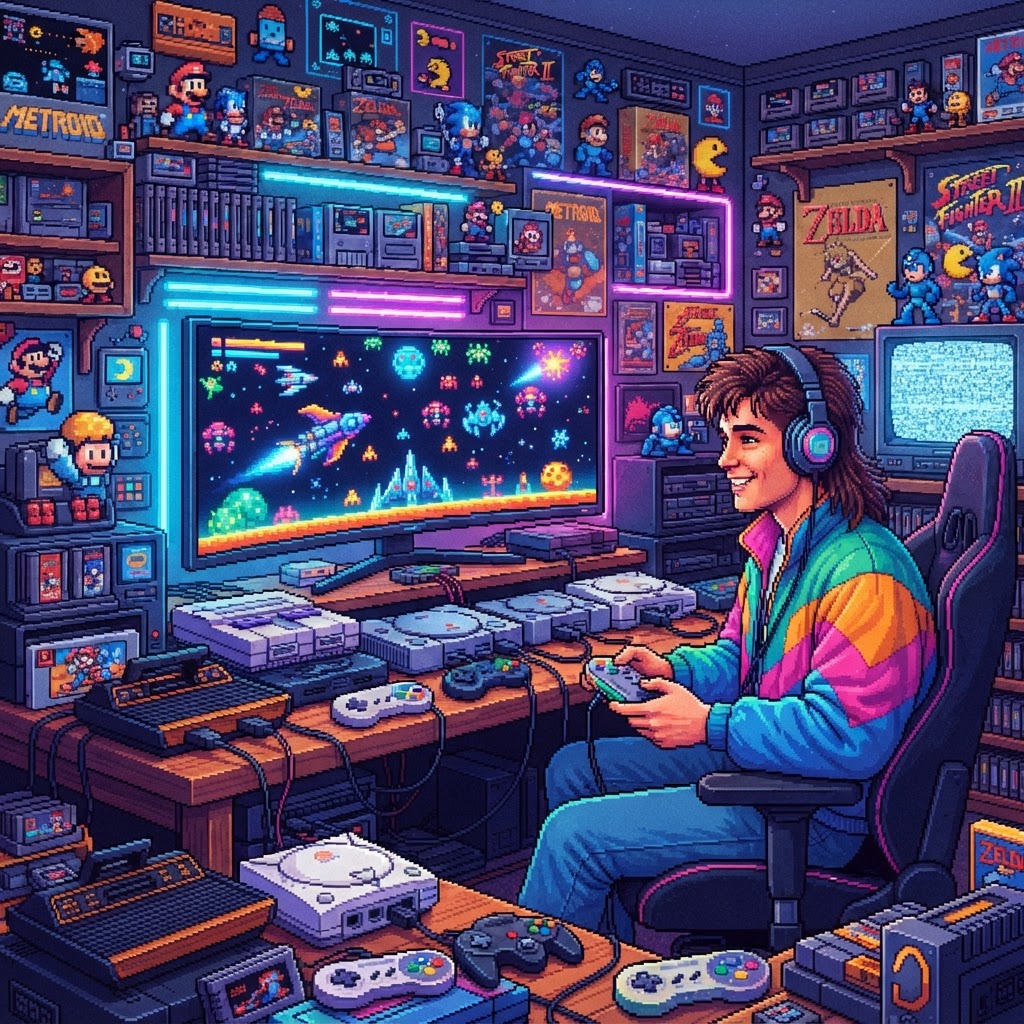
Why Your Monitor Choice Is a Long-Term Investment
Most gamers obsess over consoles and controllers, but monitors are quietly one of the best-value purchases in your entire setup. A quality display purchased in 2025 can realistically still be your primary screen in 2035. Unlike consoles that go obsolete or games that lose resale value, a well-built monitor with the right feature set grows more useful over time as your library expands across generations.
The challenge? Retro and modern gaming pull your display in completely opposite directions. Retro systems output low-resolution, low-latency signals that were designed for CRT televisions. Modern gaming demands 1440p or 4K, high refresh rates, and HDR. Finding a monitor — or a monitor setup — that genuinely serves both worlds without compromise is what separates a smart investment from an expensive mistake.
What to Look for in a Monitor That Handles Both Eras
Input Lag: The Non-Negotiable Spec
Input lag is the gap between your controller input and what appears on screen. For retro gaming, anything above 16ms is noticeable and can ruin the feel of pixel-perfect platformers. For competitive modern gaming, sub-5ms is ideal. Look for monitors that advertise "game mode" that disables post-processing, dropping input lag dramatically regardless of resolution.
Resolution Flexibility and Scaling Quality
A 4K monitor running a 240×224 SNES output is only as good as its scaler. Cheap monitors introduce blur, ghosting, or ugly pixel doubling artifacts. Premium displays use integer scaling — doubling or quadrupling pixels cleanly — which preserves the crisp, chunky aesthetic of classic sprites. This is a spec rarely advertised on the box, so read trusted reviews before buying.
Connectivity: HDMI, DisplayPort, and Legacy Signals
Modern gaming lives on DisplayPort 1.4 and HDMI 2.1. Retro gaming often needs older analog inputs — or an adapter bridge. If you're running original hardware from the NES, SNES, or Sega Genesis era, composite and RF signals need to be converted first. A quality Multi-Console RF to HDMI Adapter is an essential part of any retro-to-modern display setup — it cleanly converts legacy RF signals into HDMI that any modern monitor can accept, protecting your investment in original hardware while future-proofing your display chain.
Panel Type: IPS vs. VA vs. OLED
- IPS panels offer accurate colors and wide viewing angles — great for both retro visuals and modern cinematic games. Excellent long-term reliability.
- VA panels deliver deep blacks and strong contrast — ideal if you play a lot of dark, atmospheric modern titles. Some VA panels have slower pixel response on transitions.
- OLED monitors are the current gold standard for image quality, with near-perfect black levels and near-zero input lag. The trade-off is burn-in risk with static HUD elements common in retro games. OLED is best for serious enthusiasts willing to manage that risk.
For pure long-term durability and versatility, a high-quality IPS panel with a fast response time remains the safest investment for most gamers straddling both eras.
Building the Ultimate Dual-Era Gaming Station
The Monitor Isn't Enough Alone
Even the best monitor won't save you if your retro hardware can't communicate with it cleanly. Original cartridge-based systems require more than just an HDMI adapter — you need to make sure the games themselves are running on properly maintained hardware. A Universal Game Cartridge Adapter lets you run cartridges from multiple console generations through a single interface, reducing hardware clutter and the number of old consoles you need running simultaneously.
For collectors who maintain original hardware, keeping those consoles in working order is part of protecting your investment. A Console Screw Bit Repair Tool Set is an inexpensive but indispensable tool that lets you open and maintain NES, SNES, Sega Genesis, and other proprietary-fastener consoles without damaging the casings — extending the life of hardware that can't be easily replaced.
Ergonomics and the Full Desk Setup
A great monitor deserves a great workspace around it. If you're spending long sessions switching between retro and modern titles, desk ergonomics matter enormously. A quality Retro Gaming Mouse Pad with a large surface area not only protects your desk but provides a satisfying aesthetic that ties the vintage gaming vibe together — and the best oversized pads reduce the strain of reaching across a wide screen setup.
Key Monitor Specs at a Glance: Retro vs. Modern Priorities
| Feature | Retro Gaming Priority | Modern Gaming Priority | |---|---|---| | Input Lag | Under 16ms critical | Under 5ms ideal | | Resolution | Integer scaling support | 1440p or 4K native | | Refresh Rate | 60Hz sufficient | 144Hz–240Hz preferred | | HDR | Not required | HDR10 or higher | | Connectivity | HDMI + adapter support | HDMI 2.1 / DisplayPort 1.4 | | Panel Life | 30,000–50,000 hours (IPS) | OLED: burn-in risk |
Should You Use One Monitor or Two?
This is a genuine strategic question for serious collectors. A dual-monitor setup — one optimized CRT or CRT-style display for retro, one modern 1440p/4K IPS or OLED for current gaming — is the purist's answer. But it's also expensive, space-hungry, and overkill for most players.
The smarter investment for the majority of gamers is a single 27-inch 1440p IPS monitor with game mode, integer scaling, and sub-10ms input lag, paired with proper signal adapters for legacy hardware. This setup handles 95% of use cases beautifully for a fraction of the cost.
If you're still researching what titles to prioritize across generations, a Classic Games Collector Reference Book is an invaluable resource — covering valuations, must-play lists, and hardware histories that help you make smarter decisions about which games and systems deserve real display investment.
The Bottom Line: Buy Once, Buy Right
The gaming monitor market is noisy and full of hype-driven specs that mean little in practice. For retro and modern gaming combined, the metrics that matter are input lag, scaling quality, panel longevity, and connectivity flexibility — not peak refresh rates or flashy RGB bezels.
Invest in a monitor that handles both worlds without forcing you to compromise, pair it with the right adapters and accessories, and you'll still be gaming on the same display years from now while others are on their third budget upgrade.
Ready to start building your setup the right way? Begin with a Multi-Console RF to HDMI Adapter to connect your vintage hardware today — and build from there.



