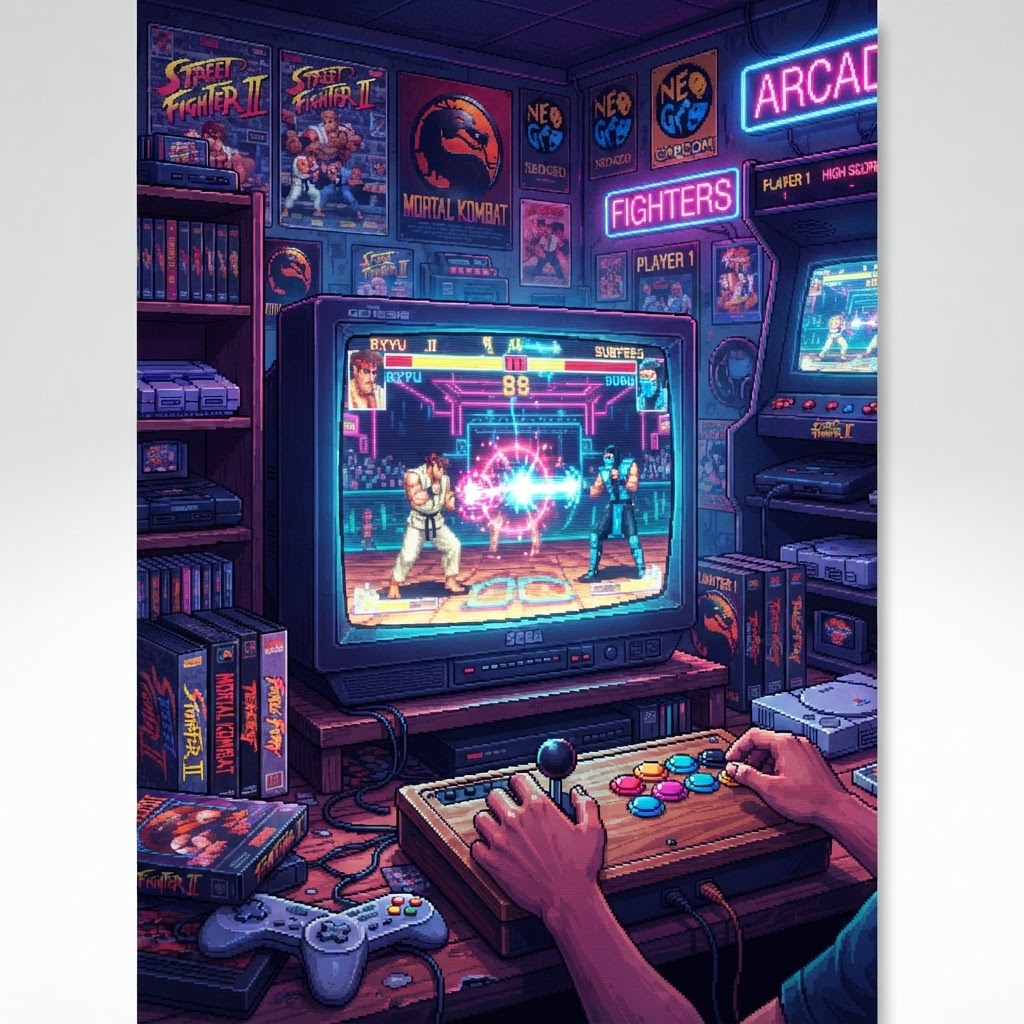
The hum of a CRT monitor, the rhythmic clack-clack-clack of microswitches, and the frantic mashing of buttons—if this sounds like your childhood, you understand the magic of the golden age of fighting games. From the pixel-perfect precision of Street Fighter II to the visceral digitized carnage of Mortal Kombat, these titles didn't just drain our quarters; they forged the competitive landscape of gaming as we know it today.
But bringing that arcade energy home often comes with a specific set of headaches. Whether you are dealing with input latency or the chaotic tangle of wires behind your screen, recreating the glory days requires more than just the ROMs.
The Pillars of the Fighting Genre
Three games stand out as the definitive architects of the fighting genre, each introducing mechanics that remain standard today:
- Street Fighter II (1991): The grandfather of the modern fighter. It introduced the combo system, character-specific movesets, and the iconic "rock-paper-scissors" depth of projectiles, anti-airs, and grapples.
- Mortal Kombat (1992): Famously controversial for its digitized sprites and Fatalities, Mortal Kombat proved that style and spectacle were just as important as tight mechanics.
- The King of Fighters ’94 (1994): By introducing the 3v3 team-based system, SNK forced players to master multiple characters, effectively increasing the skill ceiling of every match.
Troubleshooting Your Retro Fighting Setup
If you’re revisiting these classics, you’ve likely encountered the "retro struggle." Here is how to fix the most common issues that plague modern retro setups.
1. Conquering Controller Lag
Fighting games are all about frame-perfect inputs. Using a standard wireless controller on a modern Bluetooth connection often introduces just enough latency to make pulling off a "Hadouken" impossible. If you’re struggling with dropped inputs, it’s time to upgrade your hardware. Swapping to a high-quality Sega Genesis Style USB Controller provides that authentic clicky feel and a wired connection that eliminates input lag entirely.
2. Managing the "Rat’s Nest" of Cables
Nothing ruins the nostalgic vibe of a dedicated gaming corner faster than a tangled mess of power cords and HDMI cables. If you’re running multiple consoles or a PC-based emulator box, cable management is a practical necessity, not just an aesthetic one. Tucking your power bricks and excess wiring into a discreet Cable Organizer Box will keep your focus on the screen and prevent the accidental unplugging of a controller during a tense boss fight.
Why These Games Still Matter
The influence of these titles transcends the code. They taught us how to lose gracefully, how to adapt to an opponent's patterns, and how to value the "meta" long before that term existed. Beyond the gameplay, the aesthetics of the era—the neon, the grit, and the legendary character designs—have become a staple of modern home decor for enthusiasts.
If you’re looking to transform your gaming room into a temple of 90s nostalgia, remember that ambiance is key. Whether you are rocking out to a Premium Vinyl Game Soundtrack Box Set while you practice your combos or filling out your walls with some Retro Gaming Wall Decals, the goal is to make your space feel like an extension of your favorite arcade cabinet.
Optimizing for the Future
The most influential fighting games were designed for 4:3 aspect ratios and high-speed twitch reflexes. When setting up your modern desk, ensure your gear is ready for high-intensity sessions. Proper lighting and organized equipment not only look better but keep your gear in peak condition. If you find your desk cluttered with secondary peripherals, consider an RGB Retro Gaming Desk Setup Bundle to unify your aesthetic while keeping your workspace organized and efficient.
Ultimately, the best part of these retro classics is that they never truly end. They invite us back, decade after decade, to refine our skills and reach for that high score one more time.
Ready to level up your home arcade experience? Start by grabbing a Sega Genesis Style USB Controller to ensure your inputs are as sharp as the developers intended.



