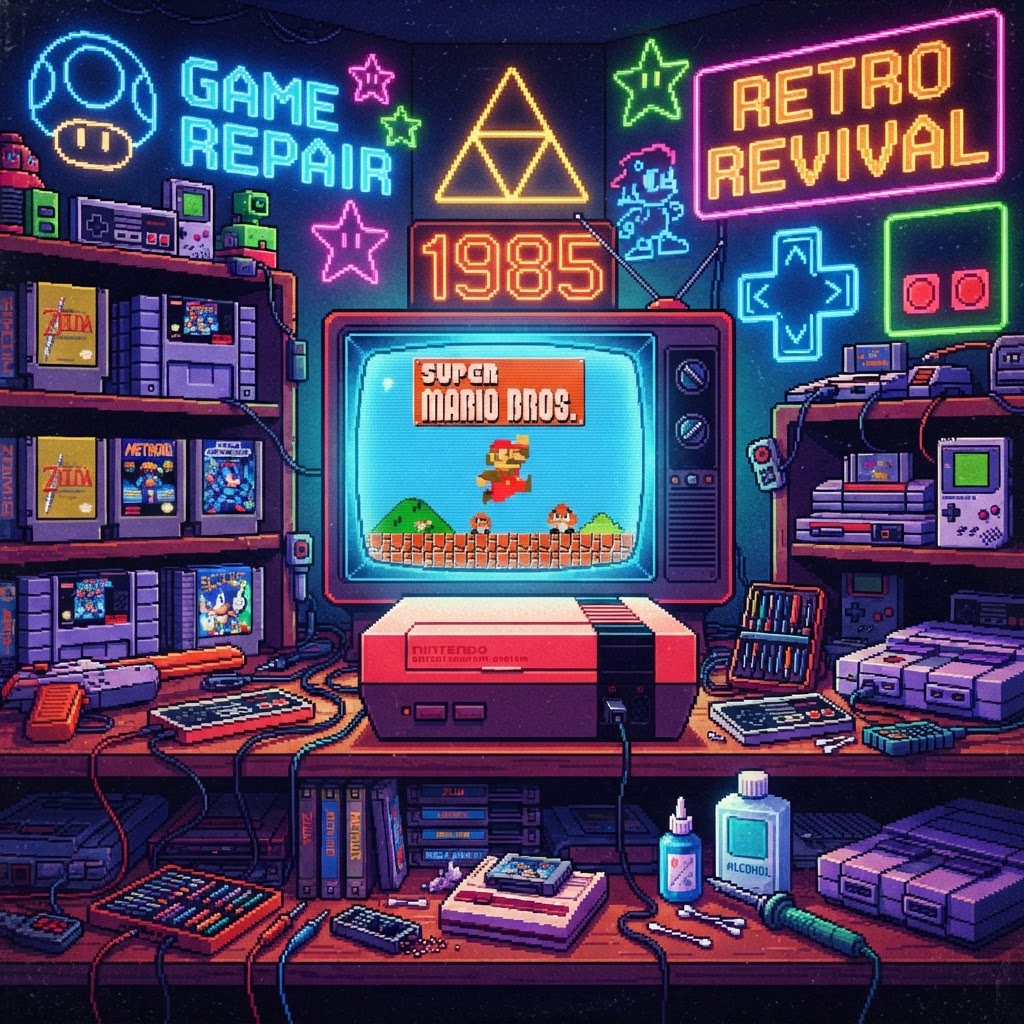
The year was 1985. The North American video game market was in ashes, a victim of the 1983 crash fueled by oversaturated shelves and low-quality software like E.T. for the Atari 2600. Retailers were terrified to touch anything with a joystick. Then, Nintendo launched the NES, introducing the "Nintendo Seal of Quality" and a hardware lockout chip that restored consumer trust. They didn't just sell a console; they saved a hobby that defined a generation.
Today, those iconic gray boxes aren't just artifacts—they are the centerpieces of our gaming dens. But preserving that 1985 magic comes with its own set of technical hurdles. If you’re looking to relive the era that saved gaming, here is how to maintain your setup and enjoy it with modern peace of mind.
Why the NES Was the Industry’s Savior
Before 1985, the market was flooded with "shovelware." Consumers had no way to distinguish a good game from a broken one. Nintendo’s genius was two-fold: the strict licensing agreement that forced developers to maintain high standards and the "front-loading" design of the NES itself, which made the console feel more like a sophisticated VCR than a toy.
By prioritizing playability and brand trust, Nintendo turned a dying industry into a cultural powerhouse. Whether you are playing on original hardware or a modern alternative like the PolyMega Modular Retro Console, the spirit of those 1985 design philosophies remains the gold standard for quality gaming.
Troubleshooting Your Classic Setup
Collecting retro hardware is a labor of love, but it often comes with maintenance challenges. If your console isn't firing up, don't panic.
1. The Blinking Red Light Issue
The most common problem with original NES hardware is the infamous "blinking screen." This is almost always caused by dirty or oxidized pins on the 72-pin connector.
- The Fix: Use a specialized cleaning solution and a credit card wrapped in a thin microfiber cloth to gently clean the connector.
- Pro Tip: If you want an authentic experience without the 40-year-old hardware headaches, many enthusiasts are switching to the Analogue 3D FPGA Console, which offers perfect cycle-accurate gameplay without the need for constant maintenance.
2. Video Quality and CRT Maintenance
If you are playing on a vintage tube TV (CRT) for the ultimate nostalgic visual experience, the screen glass is likely covered in decades of dust and static. A dirty screen distorts the pixel-perfect clarity Nintendo games are known for.
- The Fix: Never use household glass cleaners, as they can strip anti-glare coatings. Instead, use a dedicated CRT Screen Cleaning Kit to ensure your picture is as crisp as it was on launch day in 1985.
Creating the Ultimate Retro Atmosphere
Once you have your hardware running, the environment matters. Transforming your gaming room into a space that honors the 1985 revival is all about the details. If you’re hosting a game night, keep your surfaces protected from condensation while you’re enjoying a soda. A Retro Gaming Coasters Set is the perfect functional accessory to keep your tabletop looking pristine while you battle through Super Mario Bros. or The Legend of Zelda.
If you’re looking to expand the experience beyond the screen, consider adding a Retro Gaming Card Game to your collection. These are fantastic for downtime between gaming sessions or for keeping the theme alive during social gatherings.
The Legacy Continues
Nintendo didn't just fix a market; they built a foundation for everything we love about gaming today. By being mindful of how we maintain our gear—from cleaning our screens to upgrading our consoles—we ensure that the innovations of 1985 stay relevant for decades to come.
Whether you are restoring a childhood NES or jumping into the modern retro-gaming scene, remember that the goal is always the same: fun. Check out the Analogue 3D FPGA Console today to experience the golden age of gaming with the reliability of modern technology.



