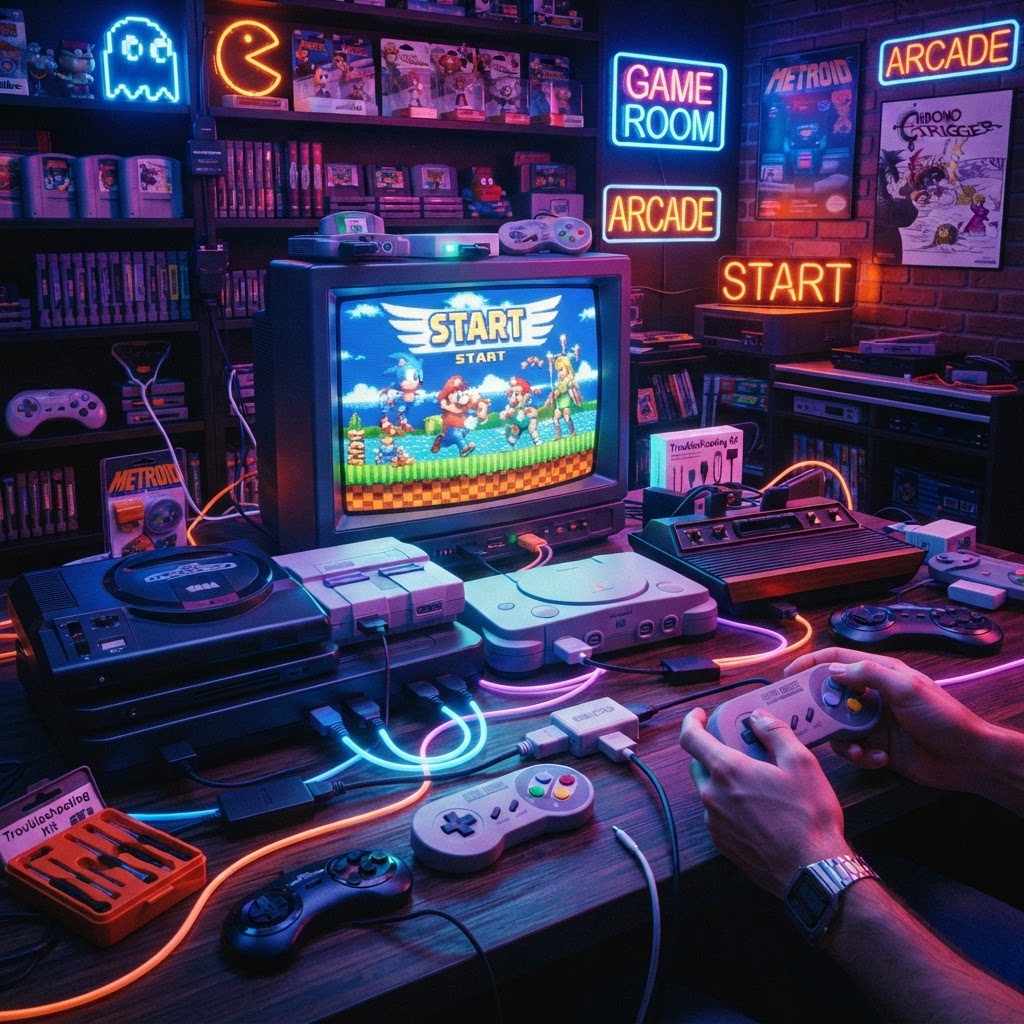
Why Your Retro Setup Probably Has Problems (And How to Fix Them)
Let's be honest: retro gaming is not plug-and-play. You pull a beloved console out of storage, connect it to your 4K TV, and immediately hit a wall — blurry image, crackling audio, sticky buttons, or a controller that barely registers inputs. These are the realities of mixing 1980s and 1990s hardware with a modern entertainment setup.
The good news? Every one of these problems has a solution, and the right accessories are the difference between a frustrating weekend and an incredible gaming session. This guide addresses the most common retro gaming headaches and recommends the exact gear that solves them — so you can spend less time troubleshooting and more time playing.
Problem #1: Dirty, Corroded Hardware That Won't Power On
Why It Happens
Decades of dust, humidity, and oxidation are the silent killers of retro consoles. Cartridge connectors tarnish, board contacts corrode, and fan vents clog. Many collectors assume a dead console is a dead console — but in most cases, a proper cleaning is all it takes.
The Fix
Before you spend money on a replacement unit, invest in a proper cleaning kit. A quality Retro Console Restoration Tool Kit typically includes precision screwdrivers (including the Gamebit and Tri-Wing bits needed for Nintendo hardware), isopropyl alcohol applicators, anti-static brushes, and cotton swabs — everything you need to safely open a console and clean contacts without causing damage.
Pro tip: When cleaning cartridge pins, use 90%+ isopropyl alcohol rather than the lower concentrations found at pharmacies. Lower grades contain more water and can accelerate oxidation. Always let contacts dry fully before powering on.
Problem #2: Modern TVs Make Retro Games Look Terrible
Why It Happens
Modern 4K and 1080p TVs are designed for HD sources. When you feed them a 240p composite video signal from a NES or Genesis, the TV's upscaler introduces input lag, blurriness, and color smearing. Native CRT monitors eliminated these issues, but most people don't want a 200-pound tube TV in their living room.
The Fix
The single best investment for retro visuals is an HDMI upscaler (like the RetroTINK 2X or Analogue's products) paired with the right cables — but equally important is getting your controller setup right at the same time. Input lag from display processing is amplified by wireless controller latency, so combining a laggy TV with a generic wireless pad is a double penalty.
If you're playing 16-bit games like Sonic or Streets of Rage, pair your display solution with a Sega Genesis Style USB Controller. These USB controllers replicate the iconic six-button layout with modern, low-latency internals — and they work seamlessly with PC emulation setups, Raspberry Pi builds, and the Steam Deck. The muscle memory from that original d-pad layout also genuinely matters for precise platforming and fighting game inputs.
Problem #3: Arcade Controls Feel Wrong on a Couch
Why It Happens
Fighting games, shmups, and classic arcade titles were designed around upright cabinet controls. Standard gamepads — even good ones — sacrifice precision and feel compared to a proper joystick with a microswitched ball-top.
The Fix
A dedicated Retro Arcade Joystick transforms the experience of any arcade-style game on a modern setup. Look for models with Sanwa or Seimitsu-style components, which offer the authentic spring tension and click response that made arcade cabinets so satisfying. Most modern arcade sticks connect via USB and are compatible with PC, PlayStation, and even Raspberry Pi-based systems.
If you want to go all the way, a Full-Size Arcade Cabinet Kit is the ultimate retro gaming room centerpiece. These kits come flat-packed with pre-routed panels for controls, a monitor bay, and internal mounting hardware — you supply the screen, PC or Raspberry Pi, and joystick hardware. It's a weekend project that pays off for years.
Problem #4: Cartridge and Cable Chaos Destroying Your Setup
Why It Happens
A retro gaming collection grows fast. Before long, you've got cartridges for five different systems scattered across shelves, power bricks tangled behind the TV, and AV cables knotted into an impossible nest. This isn't just ugly — it's how cartridges get lost, damaged, or buried under clutter.
The Fix: Organize Everything
For cartridges, a Multi-Game Cartridge Storage Case is non-negotiable once your collection reaches double digits. Quality cases protect carts from dust and static while keeping them sorted and accessible. Many are designed with foam inserts or individual slots sized for specific systems like NES, SNES, Game Boy, or Genesis.
For cables, a Cable Organizer Box is a simple but transformative purchase. Box-style organizers with adjustable dividers let you coil and store RF cables, composite leads, power adapters, and controller extension cables without tangling. Label each compartment by console, and you'll never spend 20 minutes hunting for the right AV cable again.
Problem #5: Portability and Modern Emulation Don't Play Well Together
Why It Happens
Many retro gamers want the option to play anywhere — on the couch, in bed, or traveling — without committing to a bulky home setup. Dedicated retro handhelds exist but often have poor software support or limited game libraries.
The Fix
The Steam Deck Handheld Gaming PC has emerged as the definitive modern solution for portable retro gaming. Its Linux-based OS supports a wide range of emulation software, its built-in controls are excellent for retro titles, and it can dock to your TV for a living room experience. Paired with emulators like RetroArch or standalone emulators for specific systems, the Steam Deck covers everything from Atari 2600 to PlayStation 2 in a single device.
Bonus Tips: Preventing Problems Before They Start
- Store cartridges upright, never stacked — horizontal stacking causes label wear and increases pressure on PCB contacts.
- Use surge protectors for all vintage hardware; original power supplies are irreplaceable and sensitive to voltage spikes.
- Dust your consoles monthly with compressed air. Heat is the enemy of capacitors and boards that are already 30+ years old.
- Document your setup — take photos of your cable routing before you change anything. Retro setups have a way of becoming more complex than expected.
Conclusion: Build the Setup You Actually Deserve
Retro gaming is one of the most rewarding hobbies around, but it demands a little patience and the right gear. By solving each problem systematically — cleaning your hardware, dialing in your display, organizing your collection, and getting controls that feel authentic — you end up with a setup that's both beautiful and bulletproof.
Start with what frustrates you most right now. If your controllers feel wrong, grab a Sega Genesis Style USB Controller or a Retro Arcade Joystick today. If your cables and carts are out of control, a Cable Organizer Box and Multi-Game Cartridge Storage Case will change your life for under $50 combined. Small wins build great setups.
Now stop reading and go play something.



