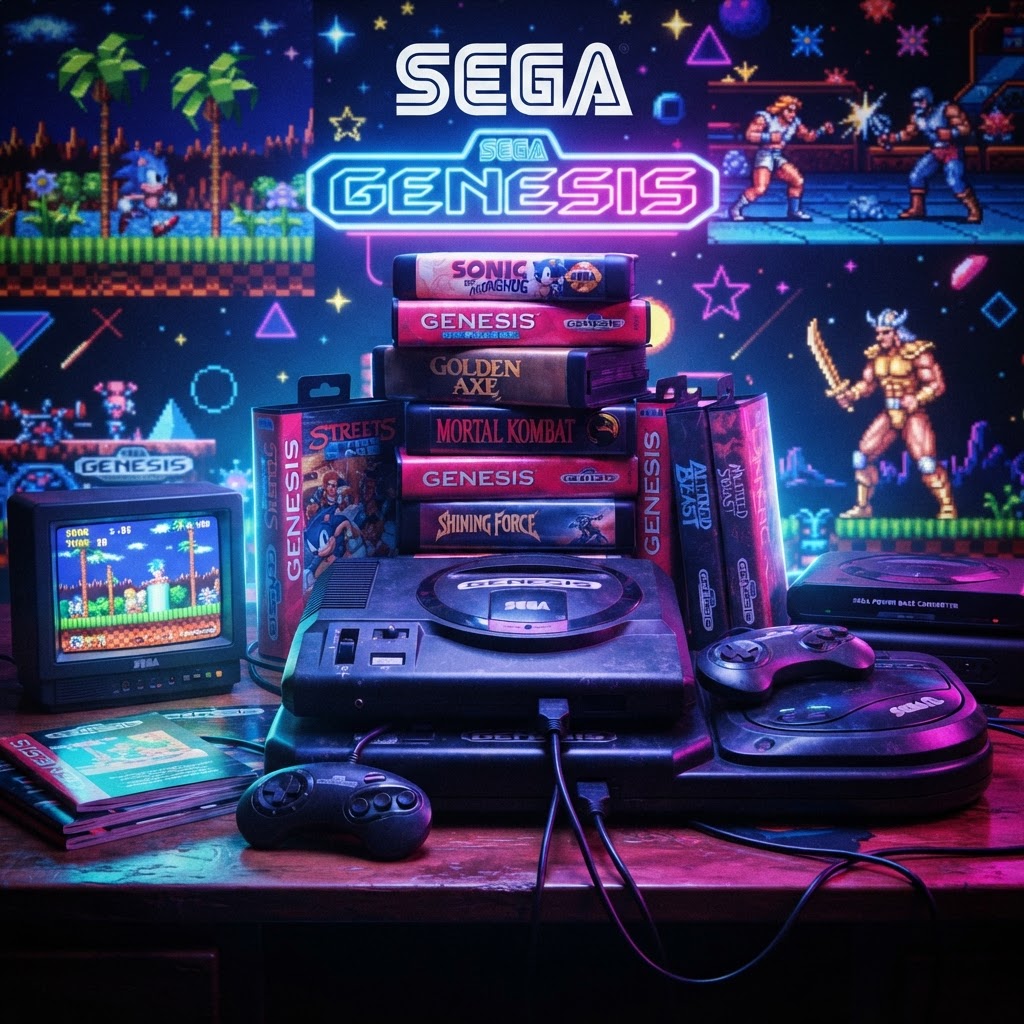
Why Sega Genesis Collecting Is Booming Right Now
The Sega Genesis — known as the Mega Drive outside North America — is one of the most celebrated consoles in gaming history. With a library of over 900 games, iconic franchises like Sonic the Hedgehog, Streets of Rage, and Phantasy Star, and a fiercely loyal fanbase, it's no surprise that collecting for this platform has exploded over the past decade.
Prices for rare titles like Crusader of Centy, Panorama Cotton, and Outrun have skyrocketed on the secondary market, and even common titles are climbing. The window to build a complete or even near-complete Genesis collection affordably is narrowing fast. If you're serious about collecting, now is the time to get organized, get equipped, and get smart about what you're buying.
This guide covers the hardware essentials, display and storage solutions, cleaning tools, controller upgrades, and collector accessories that every Sega Genesis fan genuinely needs — not just the nice-to-haves, but the things that protect your investment and maximize your enjoyment.
The Foundation: Getting Your Genesis Set Up Properly
Choosing the Right Model
The Genesis went through three main hardware revisions:
- Model 1 (1989–1993): Widely considered the best-sounding, with a dedicated headphone jack and the warmest audio output.
- Model 2 (1993–1997): Smaller, cheaper to produce, and more common. Audio quality is slightly inferior.
- Model 3 (1998): Budget model, lacks expansion port, incompatible with 32X and some accessories.
For serious collectors, the Model 1 with a high-definition serial (HDA) port is the gold standard. It pairs best with modern upscaling solutions and captures that authentic late-80s sound design.
Upscaling Your Display for Modern TVs
One of the biggest mistakes Genesis collectors make is plugging their console into a modern 4K TV with a composite cable and wondering why it looks terrible. The Genesis deserves better output. A proper RGB SCART or Component setup helps enormously, but if you want the absolute best picture on your big-screen TV, a dedicated upscaler is non-negotiable.
The RetroTINK 4K Video Upscaler is the gold standard for retro gaming display solutions. It supports multiple input types including RGB SCART (with an adapter), processes scanlines beautifully, and outputs a crisp 4K signal with minimal lag. For a console as visually distinctive as the Genesis — with its bold, saturated color palette — having a quality upscaler transforms your experience from muddy to magnificent. This is one investment that pays dividends across your entire retro collection.
Controllers: Playing It Right
The Original Six-Button Pad
The Genesis shipped with a three-button controller, but the six-button pad (Model 1615) released in 1993 is the definitive controller for the platform. It's essential for fighting games like Street Fighter II: Special Champion Edition, Mortal Kombat, and Eternal Champions.
Upgrading to an Arcade Stick
For collectors who love the Genesis fighting game library — and let's be honest, it's exceptional — an arcade stick is a serious upgrade. The Hori Fighting Stick Arcade Controller brings authentic arcade feel to your Genesis sessions. Hori's build quality is renowned in fighting game communities, and the tactile feedback of a proper joystick on Street Fighter II or Samurai Shodown is a genuinely different (and better) experience than a d-pad. Many of these controllers are also compatible with USB adapters for PC emulation use.
Displaying Your Controllers Like a Collector
If you've accumulated several original Genesis controllers over the years, don't leave them in a tangled pile. A Universal Game Controller Wall Mount lets you display your pads as the collector's pieces they are. These wall-mounted holders work across controller types, look clean in a gaming room setup, and keep your originals safe from damage. Displaying your collection proudly is part of the hobby.
Cleaning and Preserving Your Cartridges
Why Cartridge Cleaning Matters
Thirty-plus-year-old cartridges accumulate dust, oxidation, and grime on their contacts. A dirty cartridge can cause games to freeze, glitch, or refuse to boot entirely. Before you assume a game is broken, clean it.
The standard method is to apply a small amount of Isopropyl Alcohol Contact Cleaner to a cotton swab and gently clean the cartridge's edge connector pins. Use 90% or higher concentration IPA — lower percentages contain too much water. Let the contacts dry fully before inserting. This simple process saves games that collectors assume are dead and should be part of every retro gamer's maintenance routine.
Restoring Labels and Presentation
Label damage is one of the most common cosmetic issues in Genesis collecting. Stickers from stores, water damage, peeling edges — a rough label significantly impacts the perceived value and display appeal of a cartridge. High-quality Game Cartridge Labels & Stickers are available for most Genesis titles and can restore a beaten cartridge to shelf-worthy condition. While purists prefer original labels, replacement labels are a practical solution for personal collection pieces with cosmetic wear.
Audio: Honoring the Genesis Sound Chip
The Sega Genesis used the Yamaha YM2612 FM synthesis chip — one of the most distinctive and beloved sound chips in gaming history. The Genesis soundtrack library, from Streets of Rage 2 to Thunder Force IV, is considered some of the greatest game music ever composed.
To truly honor that audio legacy, invest in a quality speaker system. A High-End Retro Gaming Amplifier/Speaker System brings out the full dynamic range of FM synthesis audio in a way that a modern TV's built-in speakers simply cannot match. The Genesis Model 1's headphone jack outputs stereo audio directly, making it ideal for pairing with a dedicated amplifier setup. This is the kind of upgrade that makes your whole gaming room sound the way it should.
Organizing Your Collection: The Collector's Mindset
Tracking What You Own (and What You're Hunting)
A serious Genesis collection can number in the hundreds of titles. Keeping track of your library, wishlist, variants, and valuations requires organization. A dedicated Retro Gaming Journal & Notebook is a surprisingly useful tool — use it to log titles, note condition grades, track prices paid, and plan your next pickups at flea markets or game stores. The tactile process of recording your collection also deepens your connection to the hobby, and a physical log doesn't crash or require an internet connection when you're at a swap meet.
Tips for Smart Genesis Collecting
- Focus on complete-in-box (CIB) for high-value titles; loose cartridges are fine for building a playable library.
- Learn the regions: PAL Mega Drive games are often cheaper than NTSC Genesis versions for the same title.
- Avoid counterfeits: Check the PCB, label printing quality, and cartridge weight on expensive titles.
- Prioritize condition: A well-kept cartridge without a label is preferable to a label-damaged one for most collectors.
Conclusion: Build Your Genesis Collection the Right Way
The Sega Genesis represents one of gaming's greatest eras, and collecting for it is a genuinely rewarding pursuit. But a great collection isn't just about the games — it's about how you play them, preserve them, and display them. From a top-tier upscaler to a proper arcade stick to the right cleaning tools, every item on this list serves a real purpose in a serious collector's setup.
Start with what matters most to your specific situation — whether that's a RetroTINK 4K Video Upscaler to make your games look incredible or Isopropyl Alcohol Contact Cleaner to revive a stack of thrift store finds. The Genesis deserves your best effort — and your collection will thank you for it.



